홈 › Components › Sketch (그림판) › 화면 31
화면 31. Sketch.warning [sink]
원본: Computation Layer 문서(Sketch (그림판)) · Try It (원본 화면)
| 화면 번호 | 31 / 34 |
|---|---|
| 문서 항목 설명 (원문) | warning Sets a string that is displayed as a tooltip in the teacher dashboard attached to a warning icon. |
1. 화면 캡처 (빨간 번호 = 아래 표의 번호)
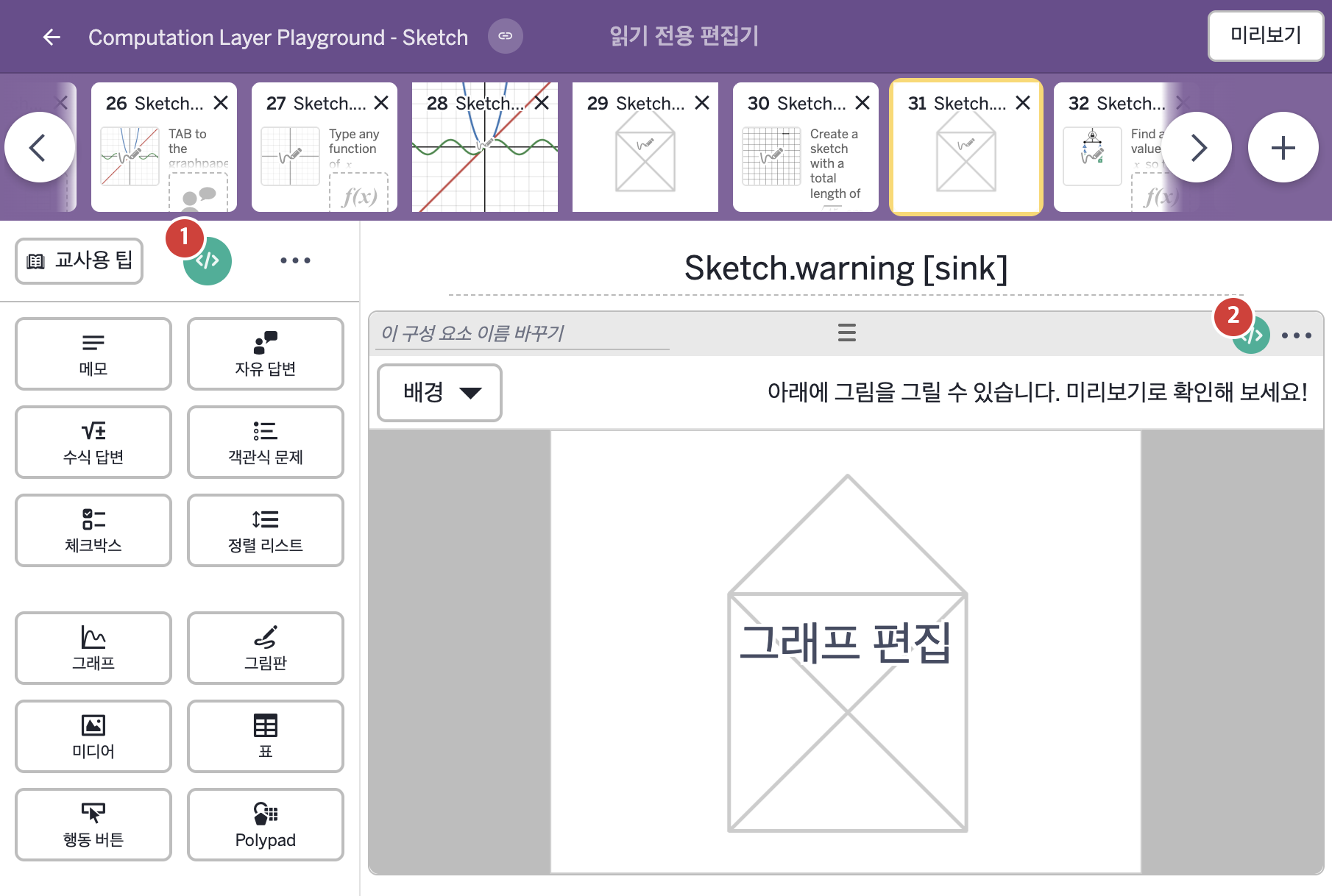
2. CL이 입력된 곳
| 번호 | 이름 | 종류 | CL 코드 원문, 번역, 설명 |
|---|---|---|---|
| 1 | master CL | SCREEN | # Creates a subtitle to display some instructions # for the student without using a note. ▷ 메모 없이 학생에게 안내를 보여 주는 부제목을 만든다. subtitle: "Trace the figure using a single sketch stroke." ▶ 화면 제목 아래에 표시할 부제목(subtitle)은 "Trace the figure using a single sketch stroke."(한 번의 스케치 획으로 도형을 따라 그리시오.)로 한다. |
| 2 | 레이블 없는 그림판 | 그림판 | # Creates a warning message in the summary # screen of the teacher dashboard ▷ 교사 대시보드의 요약 화면에 경고 메시지를 만든다. warning: # As long as the number of strokes is less than # 2 no warning is required ▷ 획 수가 2보다 작으면 경고가 필요 없다. when this.sketch.strokeCount < 2 "" # As soon as there is more than one stroke in the # sketch we alert the teacher. ▷ 스케치에 획이 둘 이상 생기자마자 교사에게 알린다. otherwise "More than one stroke is used." ▶ 그림판의 경고(warning)는 |