홈 › Components › Sketch (그림판) › 화면 30
화면 30. Sketch.correct [sink]
원본: Computation Layer 문서(Sketch (그림판)) · Try It (원본 화면)
| 화면 번호 | 30 / 34 |
|---|---|
| 문서 항목 설명 (원문) | correct Sets a Boolean value that determines whether or not a gray checkmark is displayed for the student's screen in the dashboard's summary view. |
1. 화면 캡처 (빨간 번호 = 아래 표의 번호)
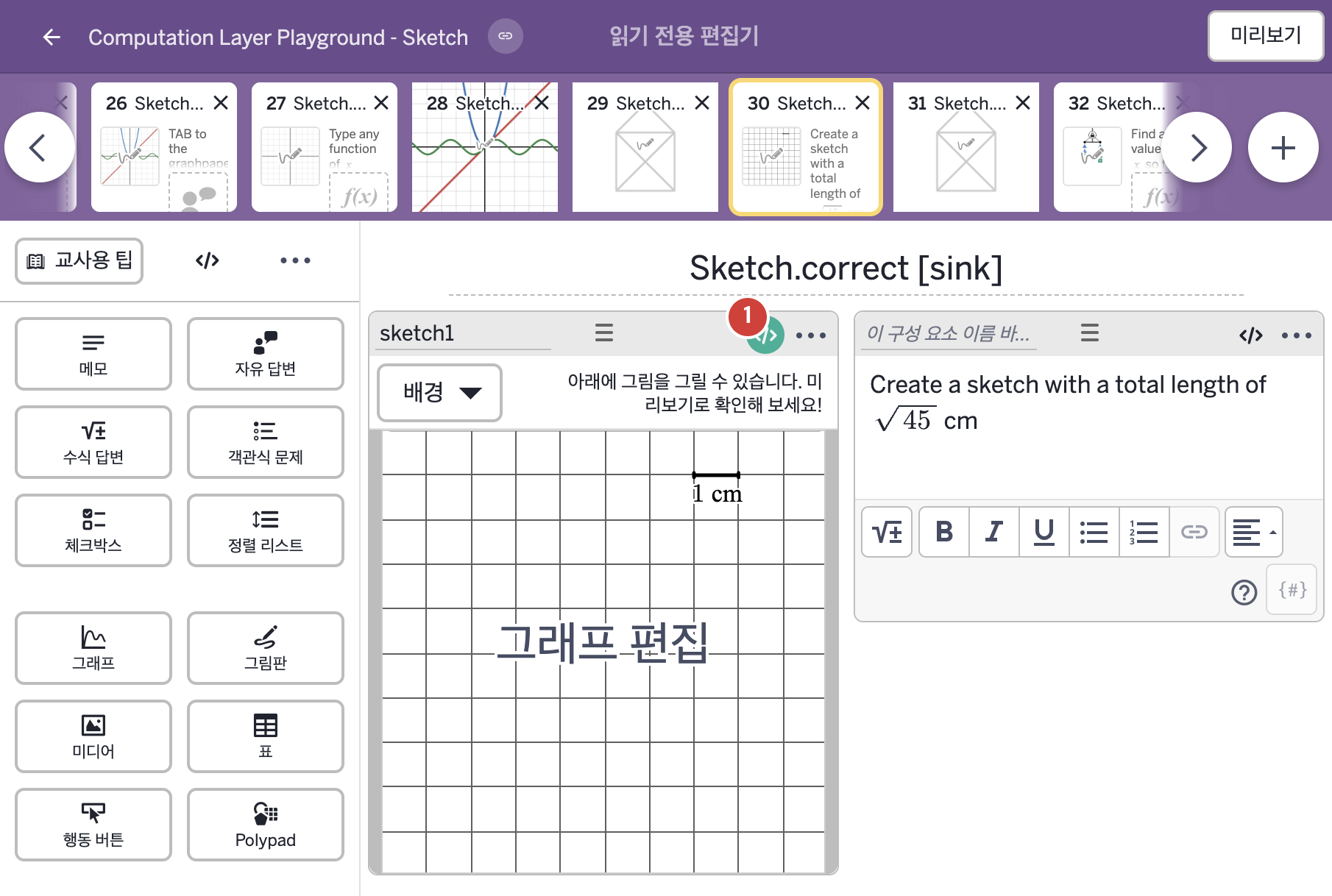
- Create a sketch with a total length of √45 cm
2. CL이 입력된 곳
| 번호 | 이름 | 종류 | CL 코드 원문, 번역, 설명 |
|---|---|---|---|
| 1 | sketch1 | 그림판 | # Creates a check mark in the summary tab of the teacher dashboard # when the total stroke length of the sketches is between 6.6 and 6.8. ▷ 스케치들의 전체 획 길이가 6.6과 6.8 사이이면 교사 대시보드의 요약 탭에 체크 표시를 만든다. correct: this.sketch.totalStrokeLength > 6.6 and this.sketch.totalStrokeLength < 6.8 ▶ 그림판의 정답 조건(correct)은 |