홈 › Components › Sketch (그림판) › 화면 11
화면 11. Sketch.smartStrokeJoining [sink]
원본: Computation Layer 문서(Sketch (그림판)) · Try It (원본 화면)
| 화면 번호 | 11 / 34 |
|---|---|
| 문서 항목 설명 (원문) | smartStrokeJoining Perform mutations on mouseup: removing nearby points and joining with other strokes. Most useful when sketch is used for curve sketching, e.g. in Function Carnival. Defaults to false. |
1. 화면 캡처 (빨간 번호 = 아래 표의 번호)
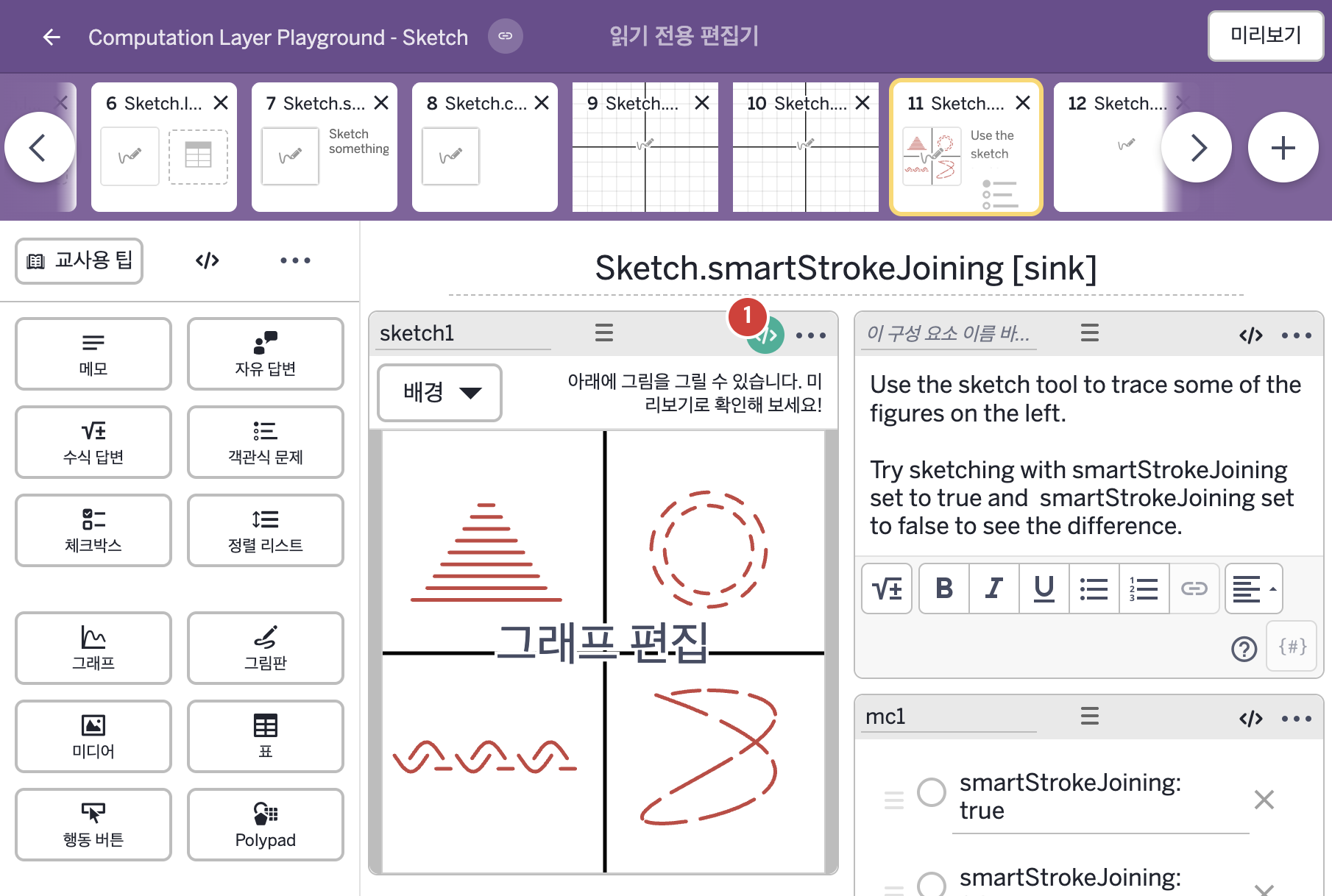
- Use the sketch tool to trace some of the figures on the left. Try sketching with smartStrokeJoining set to true and smartStrokeJoining set to false to see the difference.
- smartStrokeJoining: true smartStrokeJoining: false
2. CL이 입력된 곳
| 번호 | 이름 | 종류 | CL 코드 원문, 번역, 설명 |
|---|---|---|---|
| 1 | sketch1 | 그림판 | # Joins nearby endpoints in the sketch when the first choice # in the multiple choice component is selected. ▷ 객관식 구성요소에서 첫 번째 보기를 고르면 스케치에서 가까운 끝점들을 이어 준다. smartStrokeJoining: when mc1.isSelected(1) true otherwise false ▶ 그림판의 획 자동 이어붙이기(smartStrokeJoining)는 mc1의 1번 보기가 선택되었으면 true, 아니면 false로 한다. |