홈 › Components › Sketch (그림판) › 화면 12
화면 12. Sketch.narration [sink]
원본: Computation Layer 문서(Sketch (그림판)) · Try It (원본 화면)
| 화면 번호 | 12 / 34 |
|---|---|
| 문서 항목 설명 (원문) | narrationnarrationIndex: number Text that screen readers will read aloud. Similar to image alt text, narration can be used to describe a graph or sketch. Example: narration: "The graph shows a plot of time studied (in hours) on the x-axis and test scores on the y-axis." You can include multiple narrations for a graph to separate pieces of information from one another. Example: narration(1): "A description of the graph's main characteristics would go here." narration(2): "The line does not pass through all of the points." In the above example, narration(2) could change as the student interacts with the activity without needing to modify the graph description in narration(1). Separating narrations also minimizes the amount of text a screen reader needs to speak. |
1. 화면 캡처 (빨간 번호 = 아래 표의 번호)
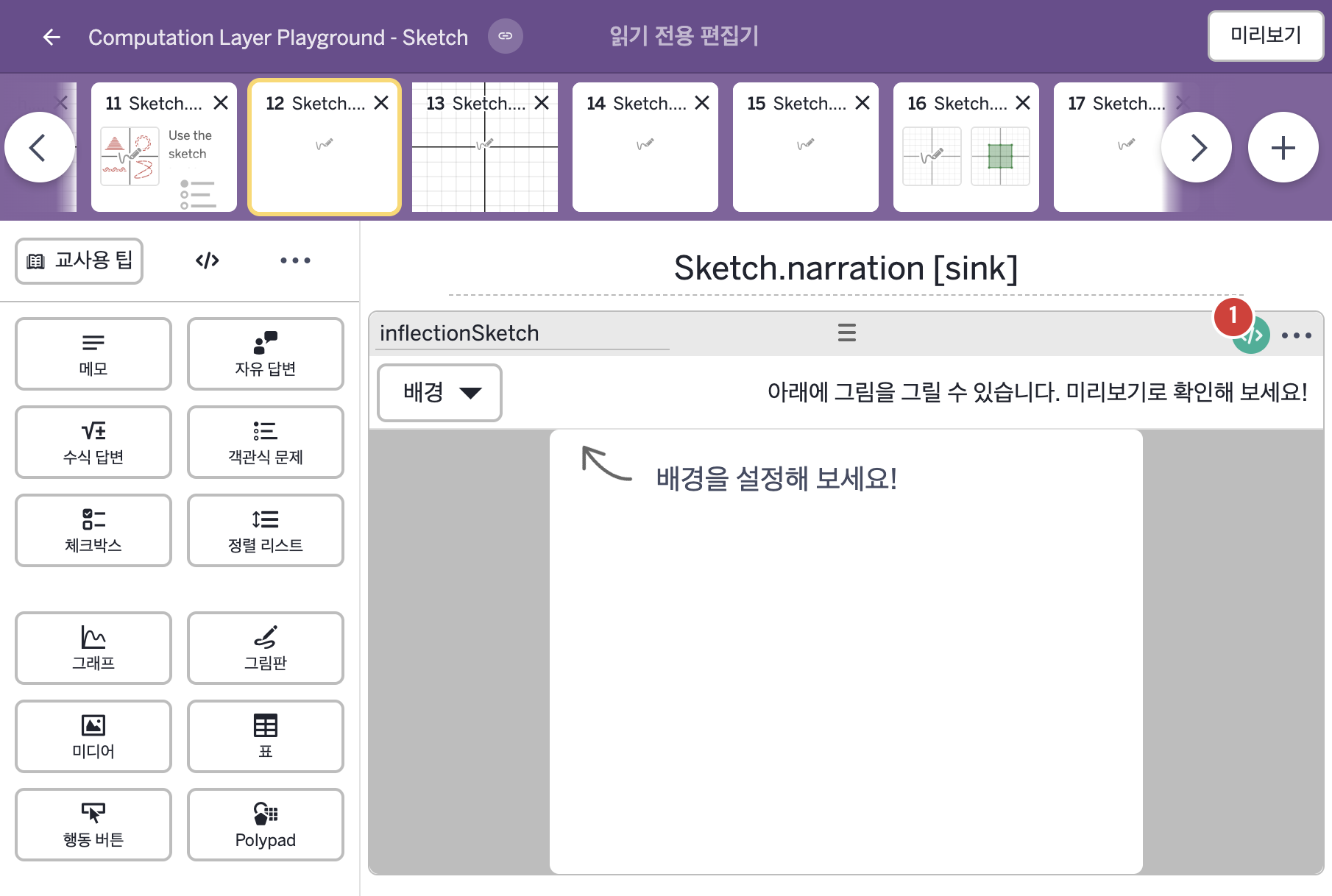
2. CL이 입력된 곳
| 번호 | 이름 | 종류 | CL 코드 원문, 번역, 설명 |
|---|---|---|---|
| 1 | inflectionSketch | 그림판 | # This narration tells the user how many strokes have been made in the component. ▷ 이 설명은 구성요소에 그려진 획이 몇 개인지 사용자에게 알려 준다. narration(1): "${this.sketch.strokeCount} strokes" ▶ 그림판의 첫 번째 내레이션(narration(1))은 "${this.sketch.strokeCount} strokes"(획 ○개)로 한다. |