홈 › Components › Multiple Choice and Checkboxes › 화면 20
화면 20. Choice.resetOnChange [sink]
원본: Computation Layer 문서(Multiple Choice and Checkboxes) · Try It (원본 화면)
| 화면 번호 | 20 / 21 |
|---|---|
| 문서 항목 설명 (원문) | Specify a string value. If that value changes, the component resets. |
1. 화면 캡처 (빨간 번호 = 아래 표의 번호)
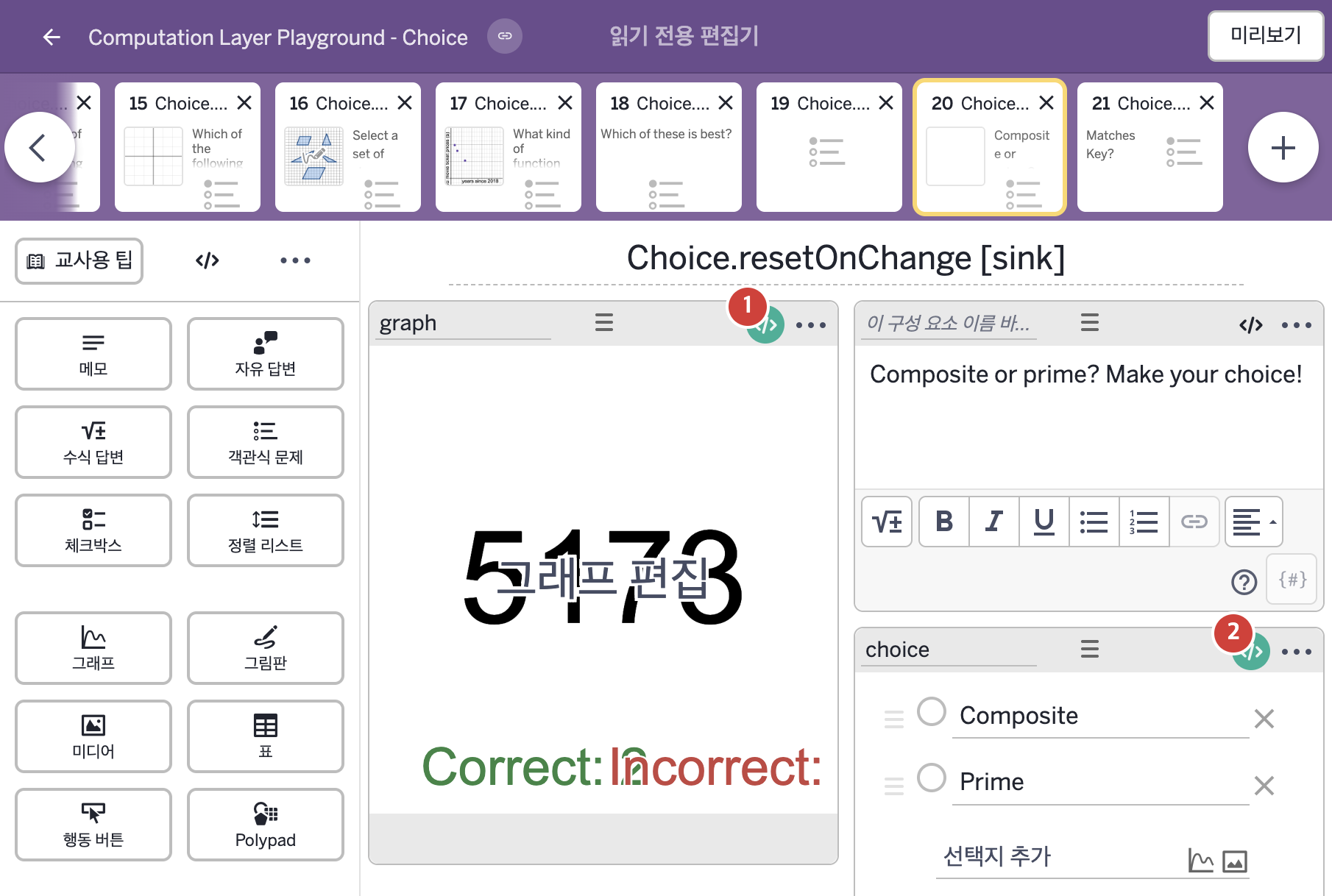
- Composite or prime? Make your choice!
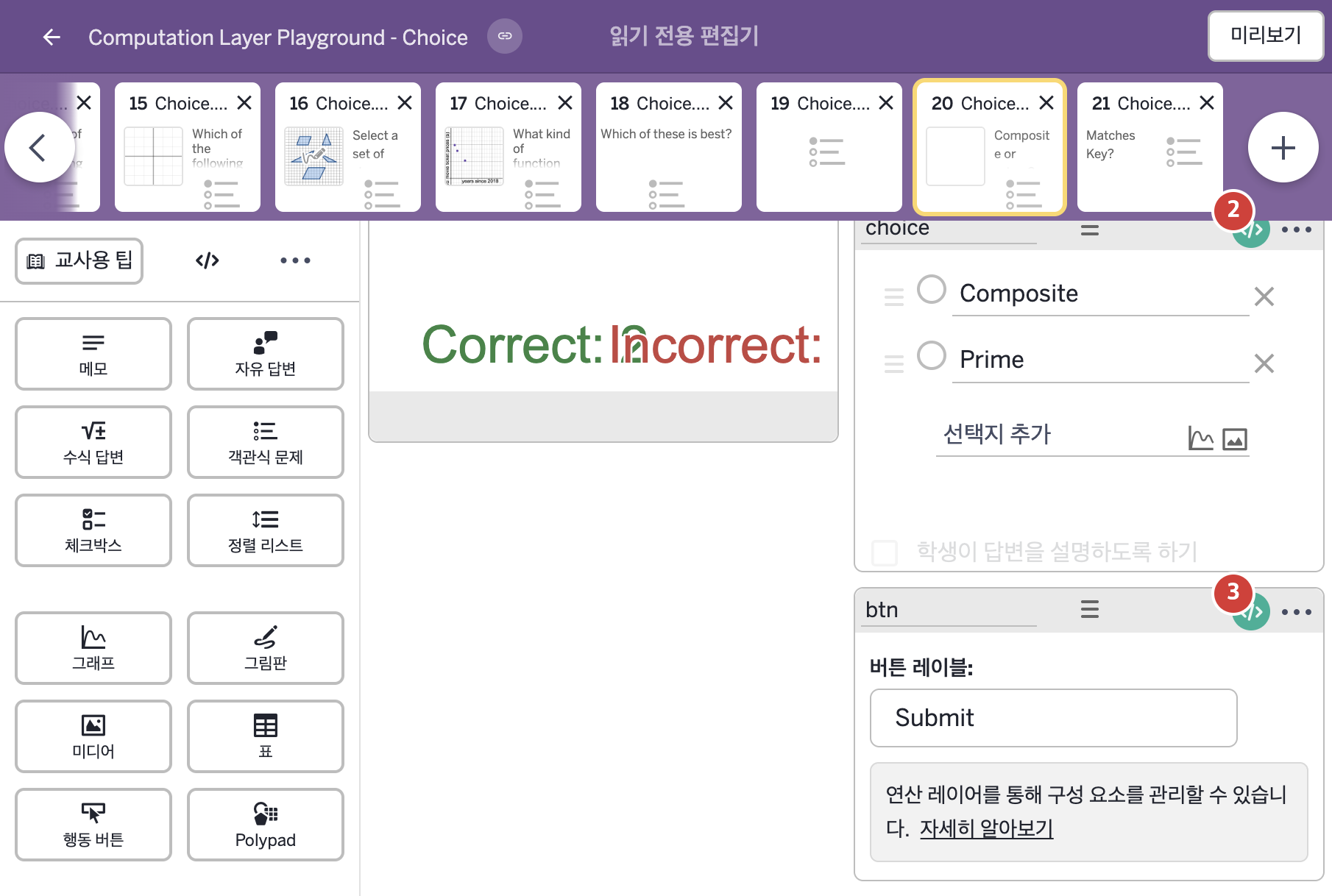
- Composite Prime
- Submit
2. CL이 입력된 곳
| 번호 | 이름 | 종류 | CL 코드 원문, 번역, 설명 |
|---|---|---|---|
| 1 | graph | 그래프 | # Creates a list out of the selection history captured by the button. ▷ 버튼이 기록한 선택 이력으로 배열(List)을 만든다. numberList(`C_{orrectCap}`): btn.history("selected") ▶ 그래프의 숫자배열(numberList) `C_{orrectCap}`는 행동 버튼 btn이 기록한 변수 "selected"의 이력( |
| 2 | choice | 객관식 문제 | # Resets the selected choice each time the button is pressed. ▷ 버튼을 누를 때마다 선택한 보기를 초기화한다. resetOnChange: "${btn.pressCount}" ▶ 변경 시 자동 재설정(resetOnChange)은 btn을 누른 횟수를 글자로 만든 |
| 3 | btn | 행동 버튼 | # Disables the button until a choice is made. ▷ 보기를 하나 고를 때까지 버튼을 비활성화한다. disabled: not(choice.isSelected(1) or choice.isSelected(2)) ▶ 버튼의 비활성화 조건(disabled)은 choice의 1번과 2번 보기 중 어느 것도 선택되지 않았다면( |