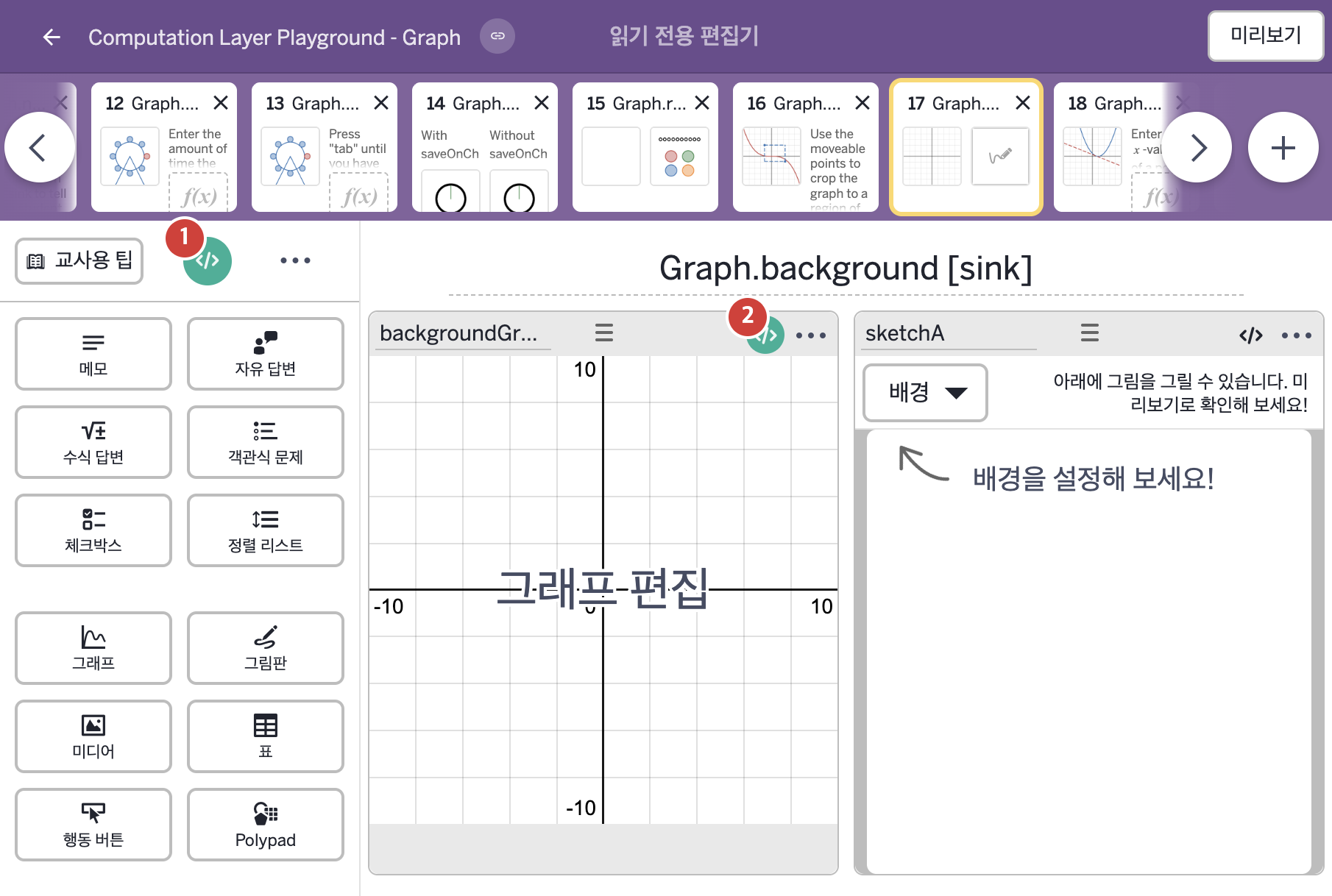
| 2 | backgroundGraph | 그래프 | # These are functions that transform the sketch. We then use
# layerStack to combine them into one layer.
▷ 그림판을 변형하는 함수들이다. 이어서 layerStack으로 이 함수들을 하나의 레이어로 합친다.
sketch1 = sketchLayer(sketchA.sketch.transform(
simpleFunction("2x","x","y"),simpleFunction("2y","x","y")))
▶ 변수 sketch1은 그림판 sketchA의 스케치에서 x를 2x로, y를 2y로 바꾼 그림으로 만든 레이어(sketchLayer(sketchA.sketch.transform(simpleFunction("2x","x","y"),simpleFunction("2y","x","y"))))로 한다.
sketchA.sketch는 그림판 sketchA에 그린 스케치 전체를 가져오고, .transform(x 변환, y 변환)은 그림에 임의의 변환을 적용하되 그 변환을 함수 두 개로 정한다. simpleFunction(식, 변수…)는 LaTeX 글자로 쓴 식을 함수로 바꾸며, 첫 번째 인자는 식이고 나머지 인자는 입력 변수의 이름이다. simpleFunction("2x","x","y")는 x와 y를 입력으로 받아 2x를 계산하는 함수이고 simpleFunction("2y","x","y")는 2y를 계산하는 함수이다. 이 둘을 변환 함수로 넣으면 그림의 x와 y가 각각 2x, 2y로 바뀌어 그림이 2배로 커진다. sketchLayer(…)는 그림으로 레이어를 만든다.
sketch2 = sketchLayer(sketchA.sketch.transform(
simpleFunction("4x","x","y"),simpleFunction("4y","x","y")))
sketch3 = sketchLayer(sketchA.sketch.transform(
simpleFunction("6x","x","y"),simpleFunction("6y","x","y")))
sketch4 = sketchLayer(sketchA.sketch.transform(
simpleFunction("7x","x","y"),simpleFunction("8y","x","y")))
sketch5 = sketchLayer(sketchA.sketch.transform(
simpleFunction("10x","x","y"),simpleFunction("10y","x","y")))
▶ 변수 sketch2~sketch5는 sketch1과 같은 방식으로, sketch2는 x와 y를 4배, sketch3은 6배, sketch4는 x를 7배·y를 8배, sketch5는 10배로 바꾼 그림의 레이어로 한다.
# The background sink is used to set the background of the graph.
▷ background sink는 그래프의 배경을 정하는 데 사용한다.
background: layerStack(sketch1,sketch2,sketch3,sketch4,sketch5)
▶ 그래프의 배경(background)은 sketch1~sketch5 레이어를 쌓은 것(layerStack(sketch1,sketch2,sketch3,sketch4,sketch5))으로 한다.
layerStack(…)은 레이어 다섯 개를 쌓아 하나의 레이어로 만든다. 학생이 그린 스케치가 서로 다른 크기로 여러 겹 쌓여 그래프 배경에 나타난다.
|