홈 › Components › Graph and Graphing Calc › 화면 11
화면 11. Graph.narration [sink]
원본: Computation Layer 문서(Graph) · Try It (원본 화면)
| 화면 번호 | 11 / 29 |
|---|---|
| 문서 항목 설명 (원문) | Text that screen readers will read aloud. Similar to image alt text, narration can be used to describe a graph or sketch. Example: narration: "The graph shows a plot of time studied (in hours) on the x-axis and test scores on the y-axis." You can include multiple narrations for a graph to separate pieces of information from one another. Example: narration(1): "A description of the graph's main characteristics would go here." narration(2): "The line does not pass through all of the points." In the above example, narration(2) could change as the student interacts with the activity without needing to modify the graph description in narration(1). Separating narrations also minimizes the amount of text a screen reader needs to speak. |
1. 화면 캡처 (빨간 번호 = 아래 표의 번호)
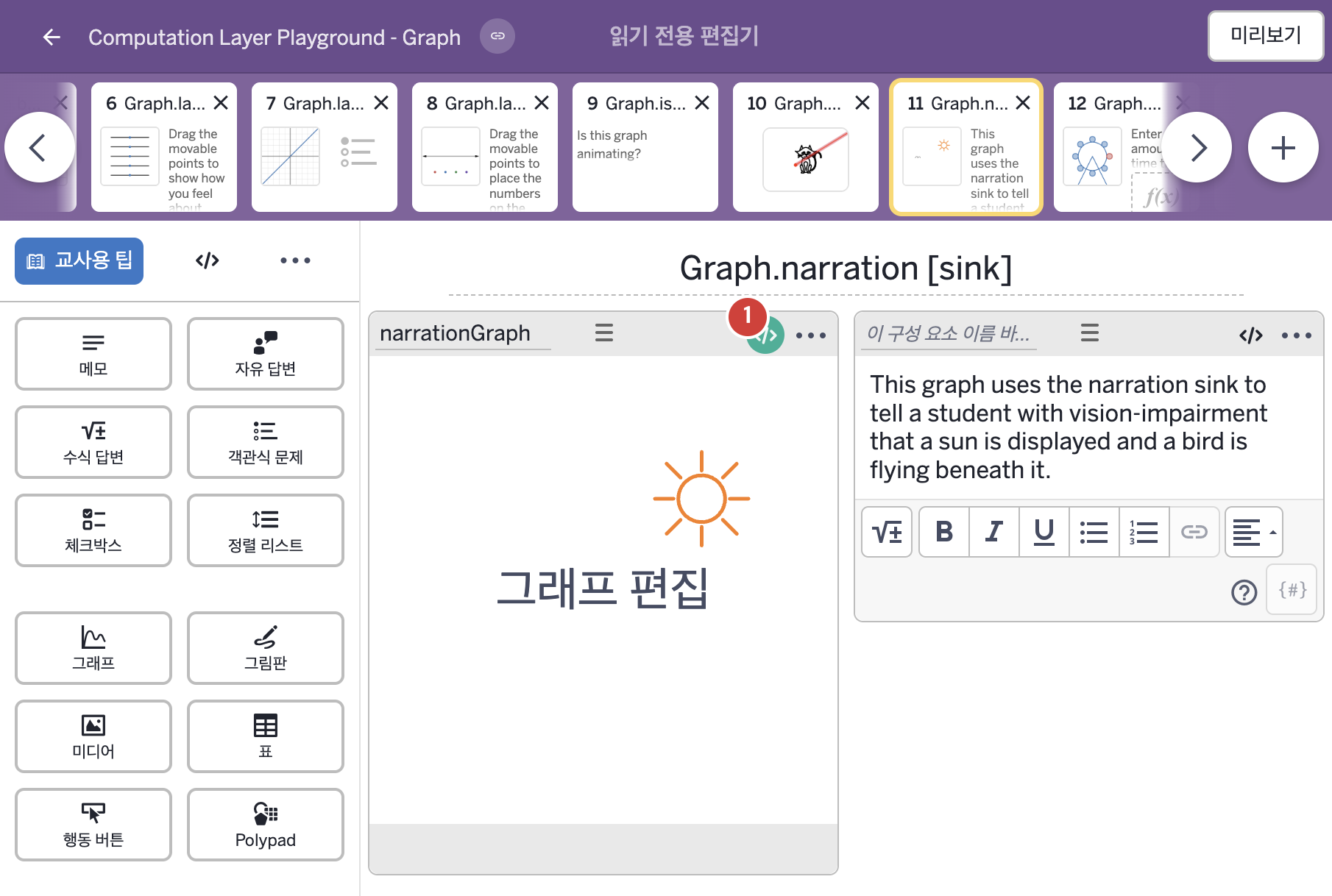
- This graph uses the narration sink to tell a student with vision-impairment that a sun is displayed and a bird is flying beneath it.
2. CL이 입력된 곳
| 번호 | 이름 | 종류 | CL 코드 원문, 번역, 설명 |
|---|---|---|---|
| 1 | narrationGraph | 그래프 | # This sink defines what students with vision-impairment will # hear when they use screen readers. Use multiple narration sinks # to separate static and dynamic narrations. ▷ 이 sink는 시각장애가 있는 학생이 화면 낭독기를 사용할 때 들려줄 내용을 정한다. narration sink를 여러 개 사용하면 고정된 설명과 바뀌는 설명을 나눌 수 있다. narration(1): "A very badly drawn bird flies beneath a glowing sun." ▶ 첫 번째 내레이션(narration(1))은 "A very badly drawn bird flies beneath a glowing sun."(아주 서툴게 그린 새 한 마리가 빛나는 해 아래를 날고 있다.)으로 한다. |