홈 › Components › Graph and Graphing Calc › 화면 10
화면 10. Graph.currentX/Y [source]
원본: Computation Layer 문서(Graph) · Try It (원본 화면)
| 화면 번호 | 10 / 29 |
|---|---|
| 문서 항목 설명 (원문) | currentX: Gets the current x-coordinate of the mouse. Works on hover with a mouse and while depressed for touch. currentY: Gets the current y-coordinate of the mouse. Works on hover with a mouse and while depressed for touch. |
1. 화면 캡처 (빨간 번호 = 아래 표의 번호)
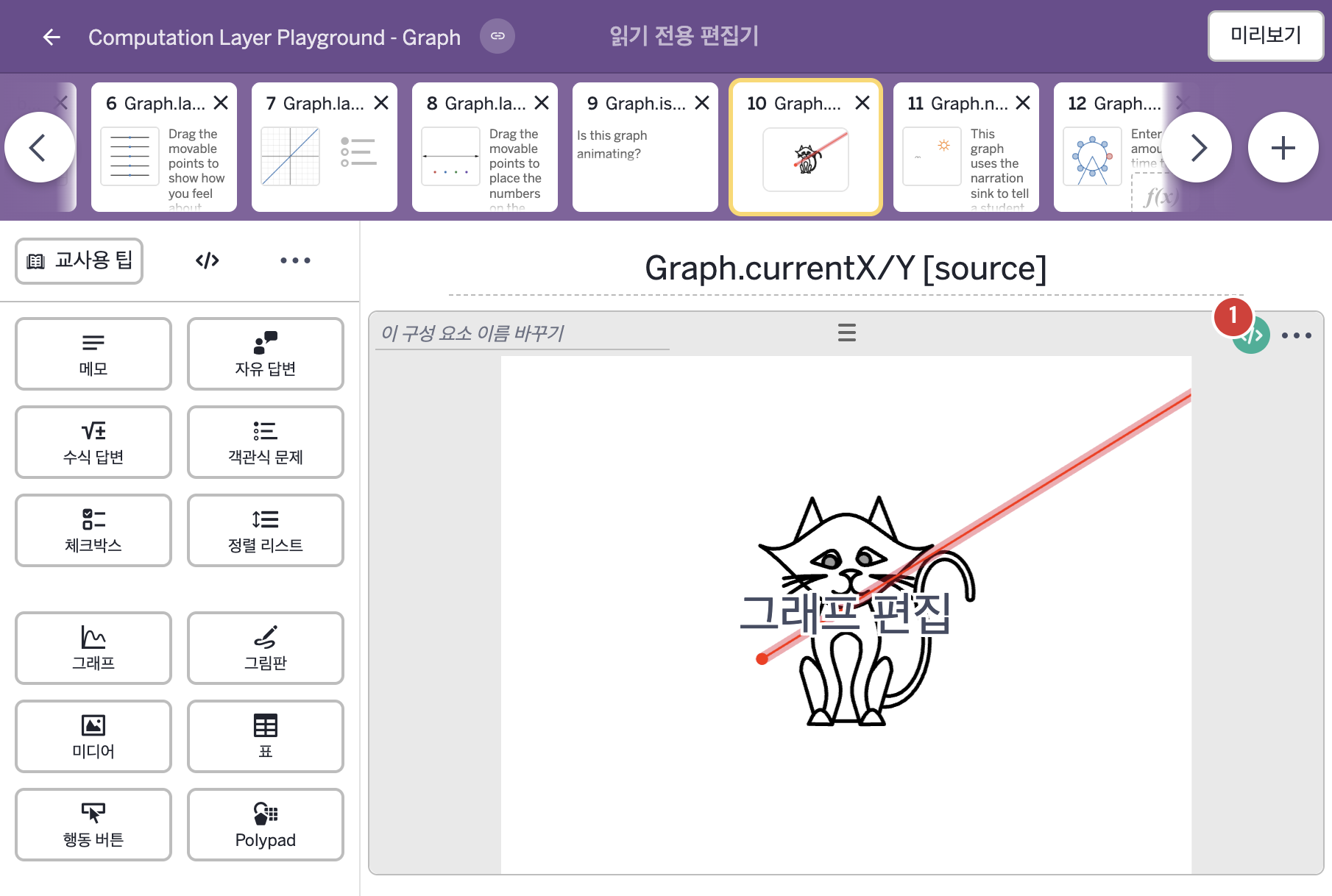
2. CL이 입력된 곳
| 번호 | 이름 | 종류 | CL 코드 원문, 번역, 설명 |
|---|---|---|---|
| 1 | 레이블 없는 그래프 | 그래프 | # Create variable x_1 in the graph using the x-location of the cursor ▷ 커서의 x 위치를 이용해 그래프에 변수 x_1을 만든다. number(`x_1`): this.currentX ▶ 그래프의 변수 |