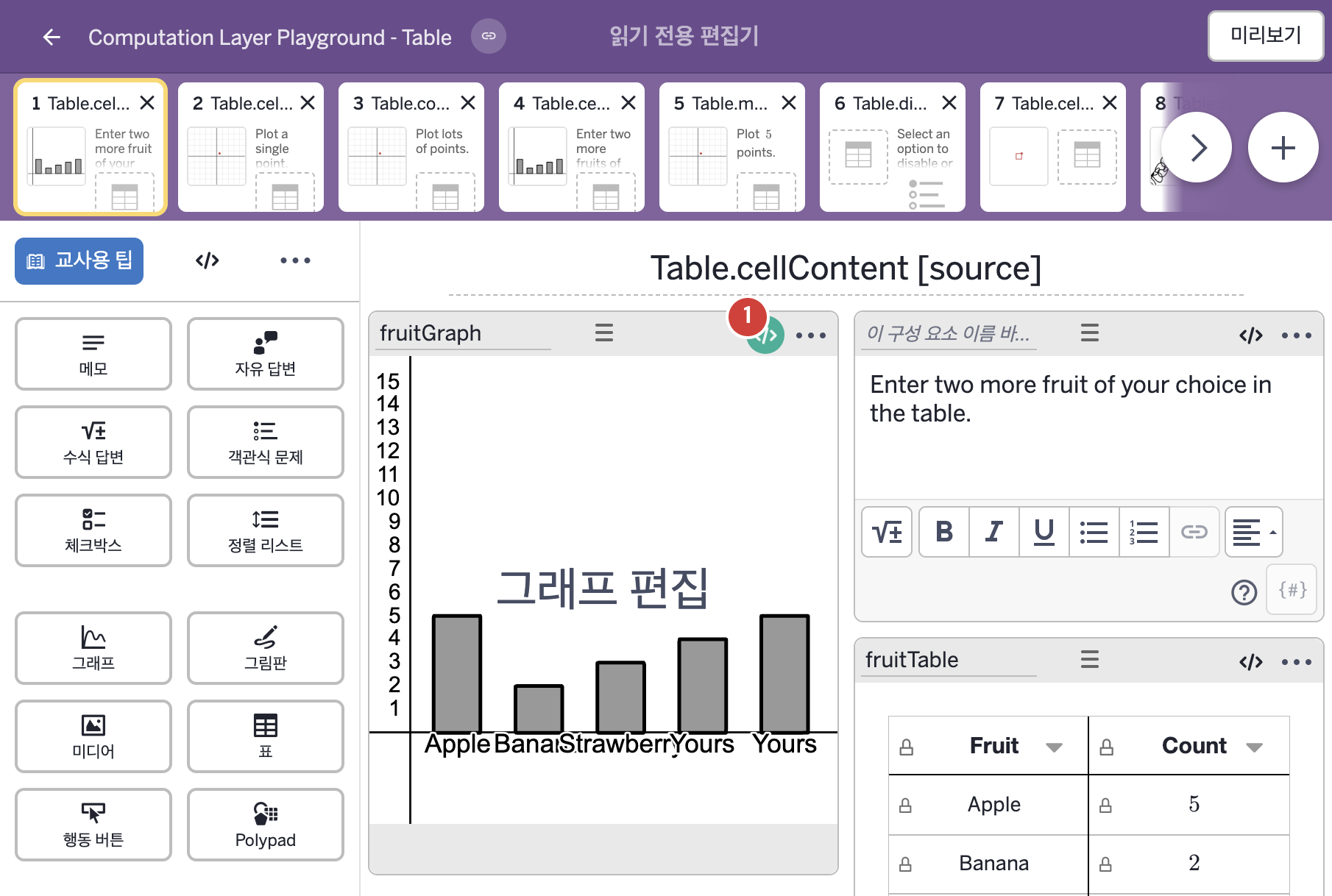
코드 안의 회색 줄은 원문 영어 주석이고, 파란 줄은 그 영어 주석의 번역이며, 연분홍 줄은 코드가 하는 일의 설명이다.
| 번호 | 이름 | 종류 | CL 코드 원문, 번역, 설명 |
|---|
| 1 | fruitGraph | 그래프 | # Sets the label of two points to the strings
# typed into two table cells.
▷ 두 점의 라벨을 표의 두 셀에 입력된 글자로 정한다.
pointLabel("F_4"): fruitTable.cellContent(4,1)
▶ 점 F_4의 라벨(pointLabel)은 표 fruitTable의 4행 1열 셀에 입력된 글자(fruitTable.cellContent(4,1))로 한다.
pointLabel("이름")은 점의 라벨 글자를 정하며, A=(1,2)처럼 정의된 점에만 적용되고 이름이 점의 이름과 같아야 하며 빈 글자를 주면 라벨이 꺼진다. cellContent(행, 열)은 행 번호와 열 번호로 셀의 내용을 가져오고, 행 번호 1은 머리글 바로 아래 첫 행이다.
pointLabel("F_5"): fruitTable.cellContent(5,1)
▶ 점 F_5의 라벨(pointLabel)은 표 fruitTable의 5행 1열 셀에 입력된 글자(fruitTable.cellContent(5,1))로 한다.
|