홈 › Components › Sketch (그림판) › 화면 33
화면 33. Sketch.pointLabel [sink]
원본: Computation Layer 문서(Sketch (그림판)) · Try It (원본 화면)
| 화면 번호 | 33 / 34 |
|---|---|
| 문서 항목 설명 (원문) | pointLabelidentifier: string If the sketch has a graph background, sets a label for a point on the graph. This only works for points defined like A=(1,2), and the identifier needs to match the name given to the point (A in this case). Takes a string. The label next to the point exactly matches the provided string, so the label is turned off if the empty string is provided. |
1. 화면 캡처 (빨간 번호 = 아래 표의 번호)
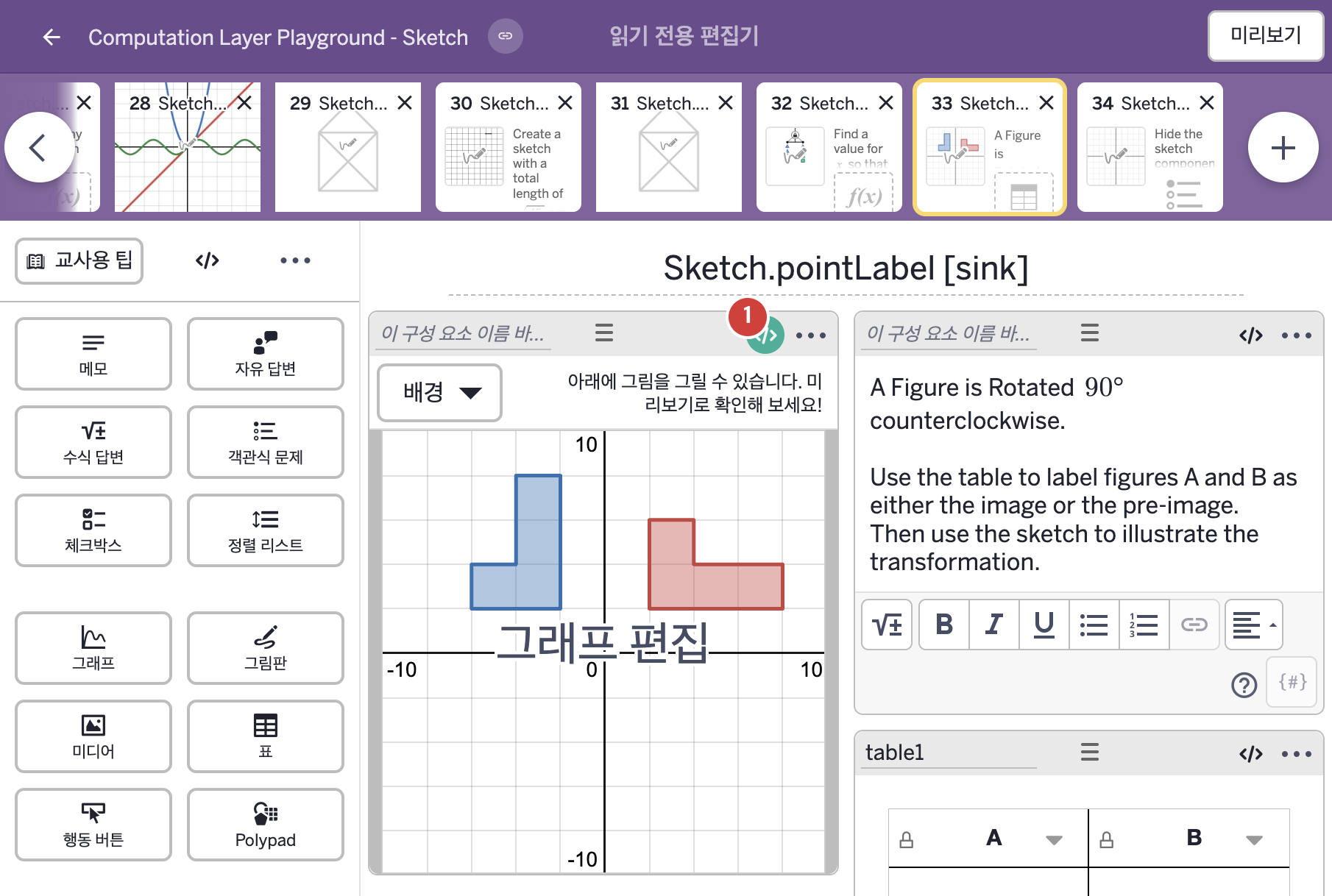
- A Figure is Rotated 90° counterclockwise. Use the table to label figures A and B as either the image or the pre-image. Then use the sketch to illustrate the transformation.
- A B
2. CL이 입력된 곳
| 번호 | 이름 | 종류 | CL 코드 원문, 번역, 설명 |
|---|---|---|---|
| 1 | 레이블 없는 그림판 | 그림판 | # This code sets the labels of two points # "A" and "B" in the sketch. ▷ 이 코드는 그림판의 두 점 "A"와 "B"의 라벨을 정한다. # When column 1 is blank, show "A" to identify the figure. # Once a student enters text, show that text. ▷ 1열이 비어 있으면 도형을 구별하도록 "A"를 보여 준다. 학생이 글을 입력하면 그 글을 보여 준다. pointLabel("A"): when isBlank(table1.cellContent(1,1)) "A" otherwise table1.cellContent(1,1) ▶ 점 A의 라벨(pointLabel("A"))은 표 table1의 1행 1열 셀이 비어 있으면 "A", 아니면 그 셀의 내용으로 한다. |