홈 › Components › Sketch (그림판) › 화면 21
화면 21. Sketch.availableColors [sink]
원본: Computation Layer 문서(Sketch (그림판)) · Try It (원본 화면)
| 화면 번호 | 21 / 34 |
|---|---|
| 문서 항목 설명 (원문) | availableColors Configures the available colors in sketch. |
1. 화면 캡처 (빨간 번호 = 아래 표의 번호)
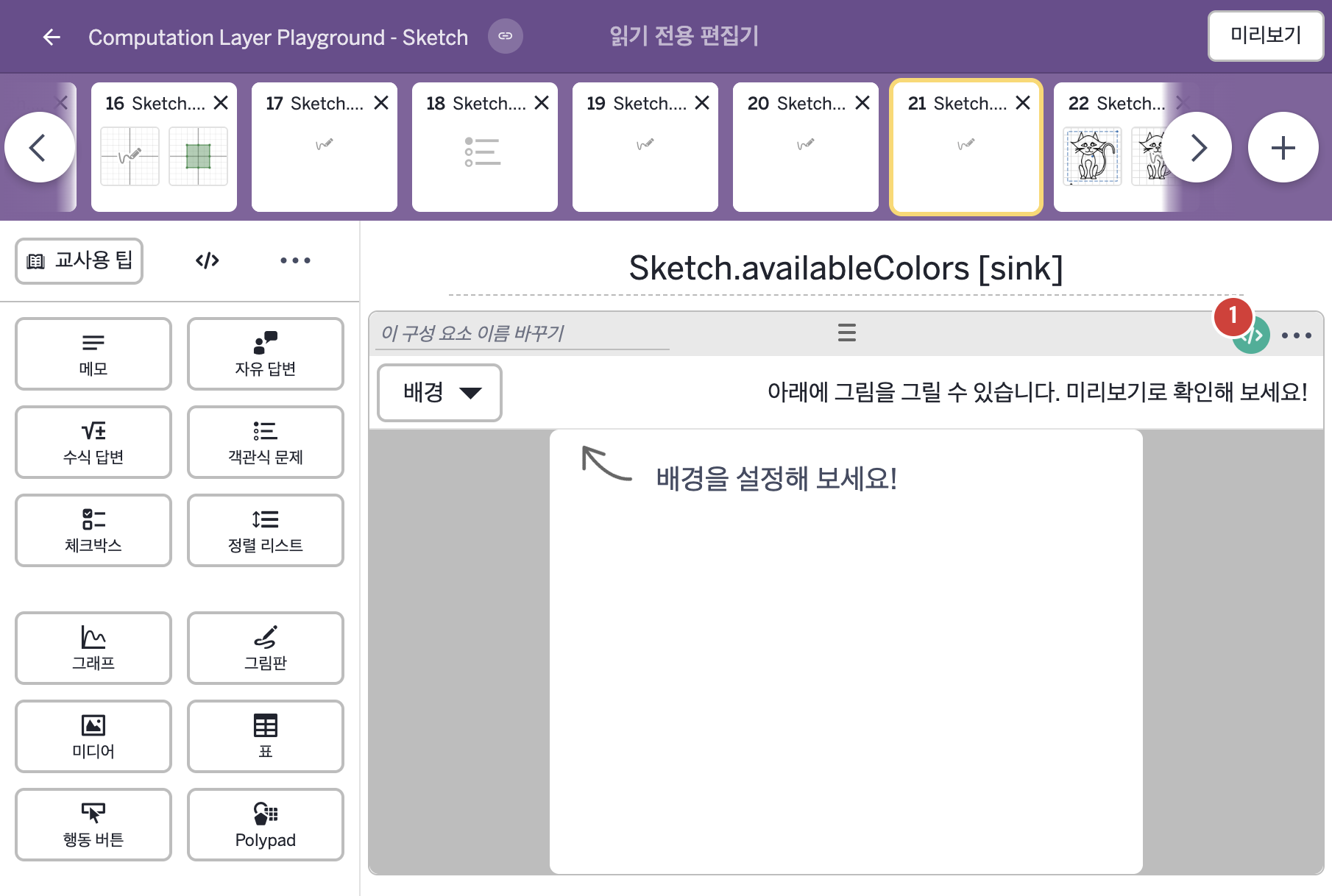
2. CL이 입력된 곳
| 번호 | 이름 | 종류 | CL 코드 원문, 번역, 설명 |
|---|---|---|---|
| 1 | 레이블 없는 그림판 | 그림판 | # Create a list of colors using colors.list # assign that list of colors to the availableColors # sink to make a custom palette. ▷ colors.list로 색 배열(List)을 만들고, 그 색 배열을 availableColors sink에 정해 사용자 지정 팔레트를 만든다. availableColors: colors.list(colors.red, colors.green, rgb(163,104,229)) ▶ 사용할 수 있는 색(availableColors)은 빨강, 초록, rgb(163,104,229)색 세 가지( |