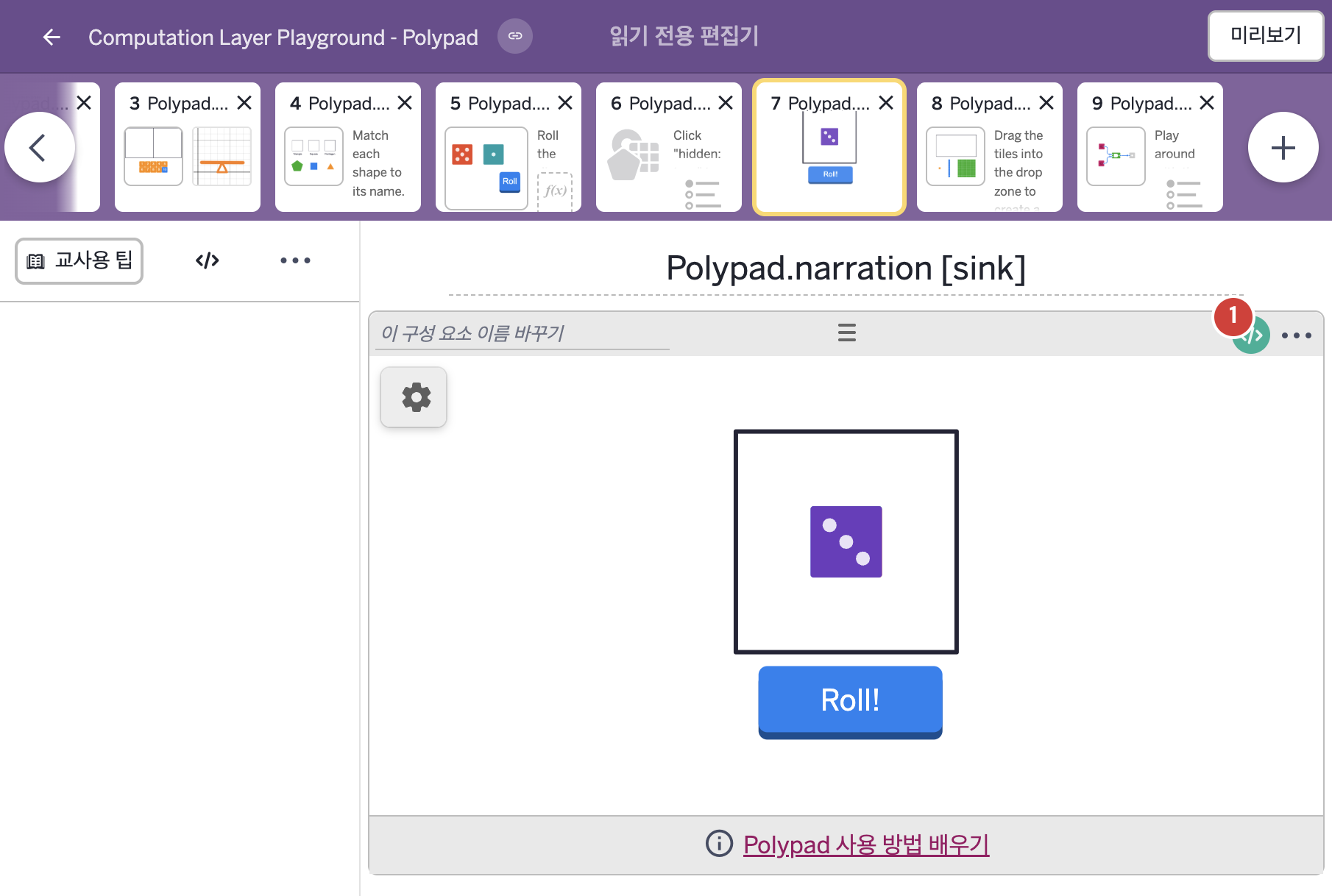
화면 7. Polypad.narration [sink]
원본: Computation Layer 문서(Polypad) · Try It (원본 화면)
| 화면 번호 | 7 / 9 |
|---|
| 문서 항목 설명 (원문) | narrationnarrationIndex: number Text that screen readers will read aloud. Similar to image alt text, narration can be used to describe a polypad. As with the graph narration sink, you can include multiple narrations for a polypad to separate pieces of information from one another. This allows you to modify narrations independently and minimizes the amount of text a screen reader needs to speak. |
|---|
1. 화면 캡처 (빨간 번호 = 아래 표의 번호)
2. CL이 입력된 곳
코드 안의 회색 줄은 원문 영어 주석이고, 파란 줄은 그 영어 주석의 번역이며, 연분홍 줄은 코드가 하는 일의 설명이다.
| 번호 | 이름 | 종류 | CL 코드 원문, 번역, 설명 |
|---|
| 1 | 레이블 없는 Polypad | POLYPAD | # This sink defines what students with vision-impairment will
# hear when they use screen readers. Use multiple narration sinks
# to separate static and dynamic narrations.
▷ 이 sink는 시각 장애가 있는 학생이 화면 낭독기를 쓸 때 듣게 될 내용을 정한다. 고정된 설명과 바뀌는 설명을 나누려면 narration sink를 여러 개 쓴다.
narration(1): "A single six-sided number cube."
▶ Polypad의 첫 번째 내레이션(narration(1))은 "A single six-sided number cube."(여섯 면짜리 숫자 주사위 하나.)로 한다.
narration(번호)는 화면 낭독기가 소리 내어 읽을 글을 정하며, 그림의 대체 글처럼 쓰이고 여러 개를 두면 정보를 나누어 서로 따로 바꿀 수 있다.
narration(2): "The cube shows the value ${this.value("value").elementAt(1)}."
▶ Polypad의 두 번째 내레이션(narration(2))은 "The cube shows the value ${this.value("value").elementAt(1)}."(주사위가 나타내는 값은 ○이다.)로 한다.
elementAt은 배열(List)과 번호를 받아 그 번호(1부터 센다)의 요소를 돌려주는 함수이다. ${ }는 글자 안에 변수의 값을 끼워 넣는 표기이다.
|