홈 › Components › Multiple Choice and Checkboxes › 화면 15
화면 15. Choice.showSubmitButton [sink]
원본: Computation Layer 문서(Multiple Choice and Checkboxes) · Try It (원본 화면)
| 화면 번호 | 15 / 21 |
|---|---|
| 문서 항목 설명 (원문) | When true, force show submit button. When false, force hide submit button, unless a source relies on it. |
1. 화면 캡처 (빨간 번호 = 아래 표의 번호)
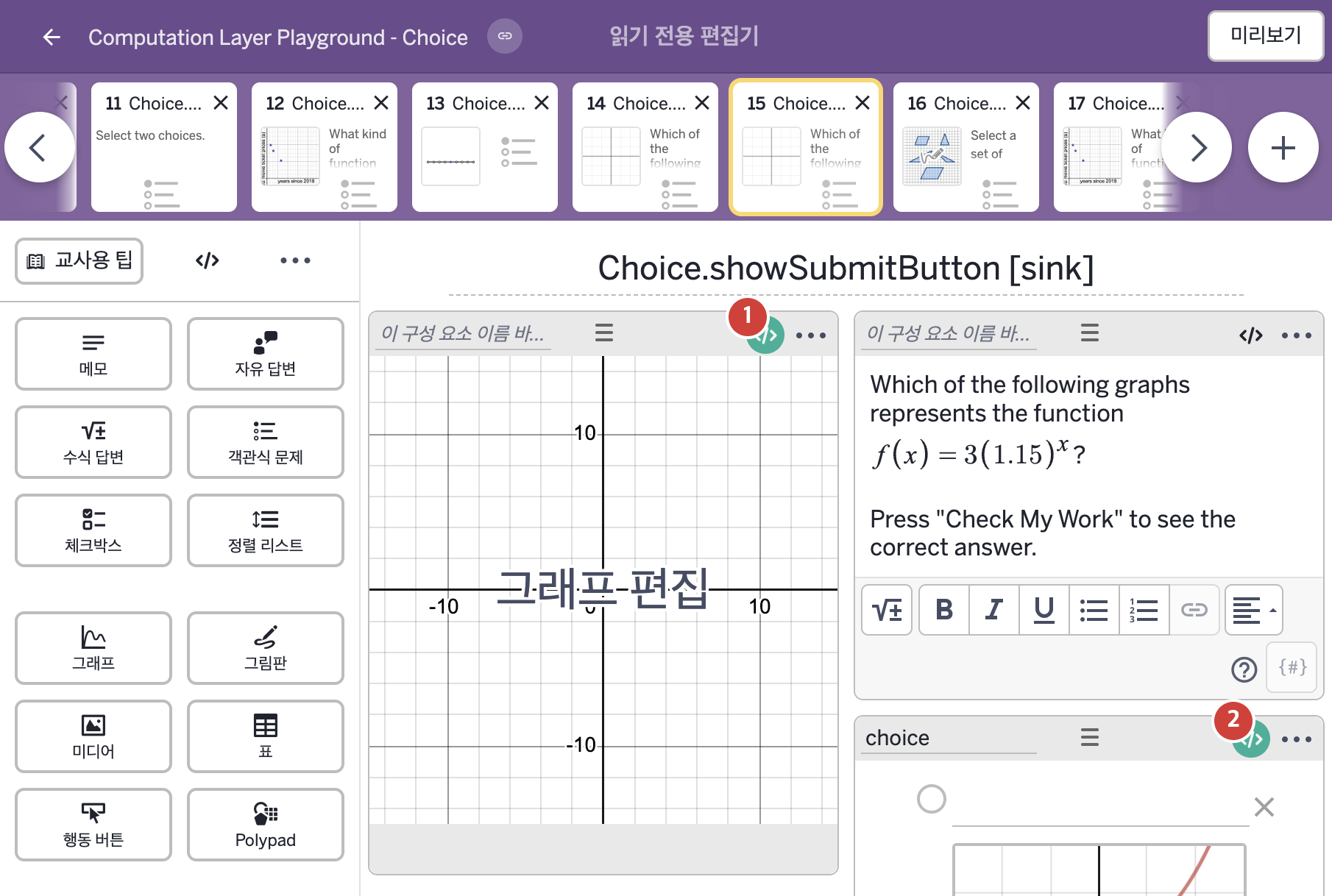
- Which of the following graphs represents the function f(x) = 3(1.15)ˣ? Press "Check My Work" to see the correct answer.
2. CL이 입력된 곳
| 번호 | 이름 | 종류 | CL 코드 원문, 번역, 설명 |
|---|---|---|---|
| 1 | 레이블 없는 그래프 | 그래프 | # This number sink uses timeSincePress to # create a timer that starts when the submit button # is pressed and increases. ▷ 이 number sink는 timeSincePress를 사용해, 제출 버튼을 누른 순간부터 계속 늘어나는 타이머를 만든다. number("t_0"): choice.timeSinceSubmit() ▶ 그래프의 변수 "t_0"은 객관식 구성요소 choice의 "Submit" 버튼을 누른 뒤 지난 시간( |
| 2 | choice | 객관식 문제 | # Instructs Desmos to show a submit button # for this multiple choice component. ▷ 이 객관식 구성요소에 제출 버튼을 보여 주라고 Desmos에 지시한다. showSubmitButton: true ▶ 제출 버튼 표시 여부(showSubmitButton)는 true로 한다. |