홈 › Components › Multiple Choice and Checkboxes › 화면 3
화면 3. Choice.submitted [source]
원본: Computation Layer 문서(Multiple Choice and Checkboxes) · Try It (원본 화면)
| 화면 번호 | 3 / 21 |
|---|---|
| 문서 항목 설명 (원문) | Gets a Boolean value that indicates whether or not the multiple choice component has been submitted. |
1. 화면 캡처 (빨간 번호 = 아래 표의 번호)
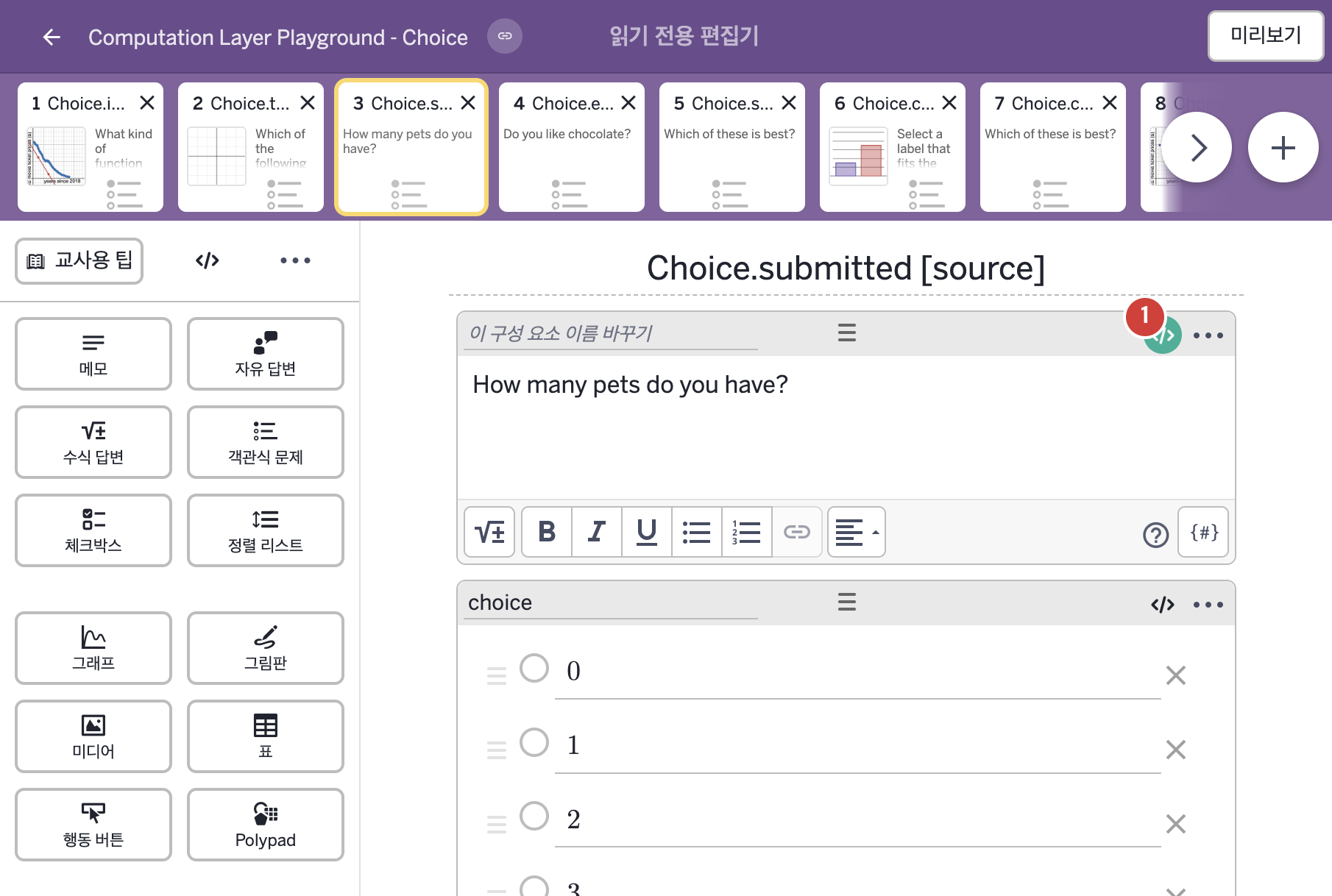
- How many pets do you have?
- 0 1 2 3 4 5+
2. CL이 입력된 곳
| 번호 | 이름 | 종류 | CL 코드 원문, 번역, 설명 |
|---|---|---|---|
| 1 | 레이블 없는 메모 | 메모 | # This adds a "thank you" message to the end of the note after # the "submit" button has been pressed. # Note: the \n\n creates a double carriage return and we surround # our message with double quotation marks to indicate a string. ▷ "제출(submit)" 버튼을 누른 뒤 메모 끝에 "감사합니다" 메시지를 덧붙인다. 참고: \n\n은 줄바꿈을 두 번 하는 것이고, 메시지를 큰따옴표로 감싸 글자(문자열)임을 나타낸다. thankYou = when choice.submitted "\n\nThank you for your response" otherwise "" ▶ 변수 thankYou는 choice가 제출되었다면( |