홈 › Components › Math Response (수식 답변) › 화면 25
화면 25. Math Input.warning [sink]
원본: Computation Layer 문서(Math Response (수식 답변)) · Try It (원본 화면)
| 화면 번호 | 25 / 28 |
|---|---|
| 문서 항목 설명 (원문) | warning Sets a string that is displayed as a tooltip in the teacher dashboard attached to a warning icon. |
1. 화면 캡처 (빨간 번호 = 아래 표의 번호)
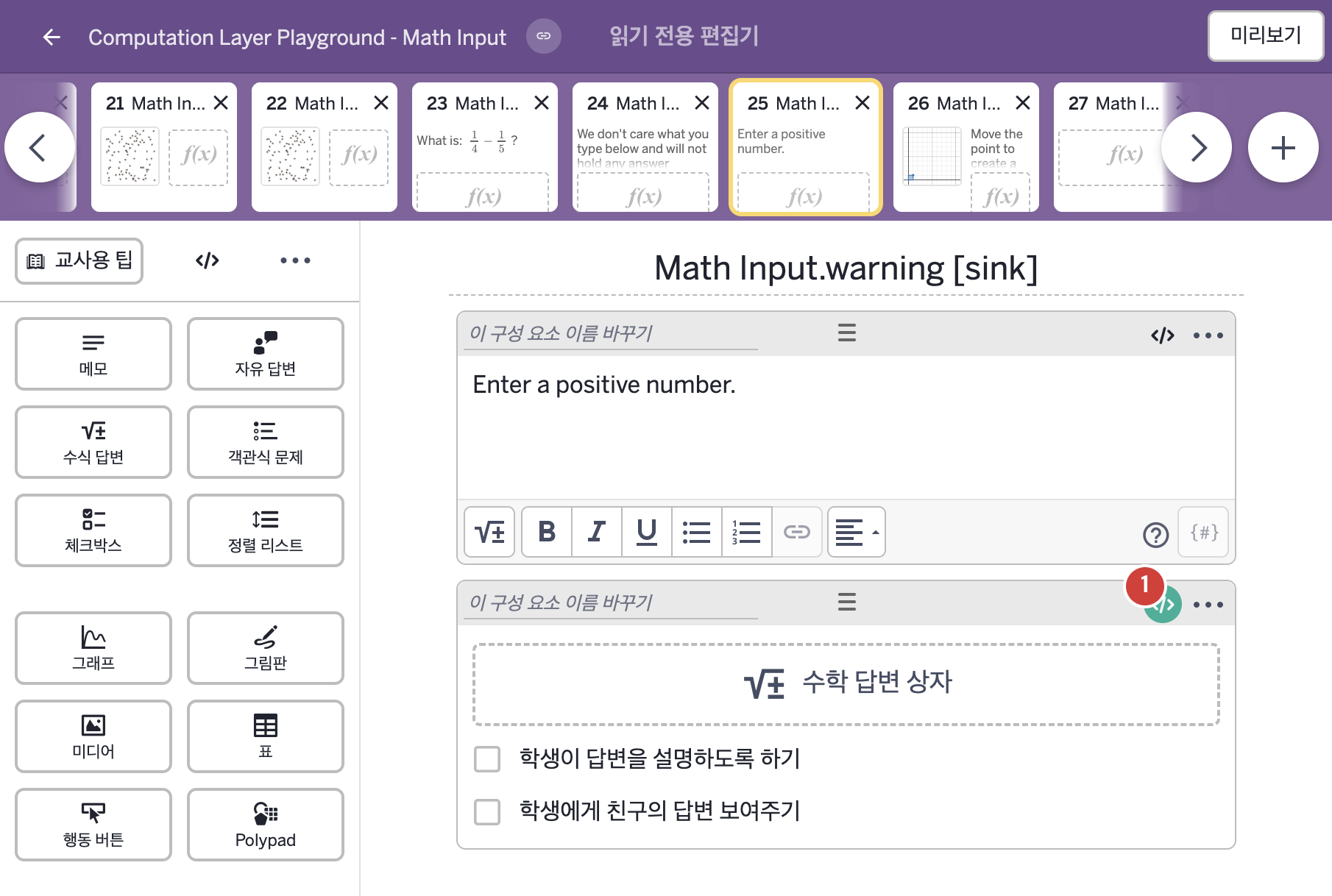
- Enter a positive number.
2. CL이 입력된 곳
| 번호 | 이름 | 종류 | CL 코드 원문, 번역, 설명 |
|---|---|---|---|
| 1 | 레이블 없는 수식 답변 | 수식 답변 | # Here we set the text we want the warning to display. # When the text is set to blank (a set of double # quotation marks with nothing in between them - ""), it # will not display any warning message. The warning # message displays only on the Teacher Dashboard. ▷ 경고로 표시할 글자를 정한다. 글자를 비워 두면(큰따옴표 두 개 사이에 아무것도 없는 ""), 경고 메시지를 표시하지 않는다. 경고 메시지는 교사 대시보드에서만 표시된다. warning: when this.numericValue <= 0 "Enter a positive number." otherwise "" ▶ 수식 답변의 경고(warning)는 이 입력의 계산한 값이 0 이하이면 "Enter a positive number."(양수를 입력하시오.), 그렇지 않으면 빈 글자로 한다. |