홈 › Components › Math Response (수식 답변) › 화면 8
화면 8. Math Input.submitCount [source]
원본: Computation Layer 문서(Math Response (수식 답변)) · Try It (원본 화면)
| 화면 번호 | 8 / 28 |
|---|---|
| 문서 항목 설명 (원문) | submitCount Gets the number of times the input has been submitted. |
1. 화면 캡처 (빨간 번호 = 아래 표의 번호)
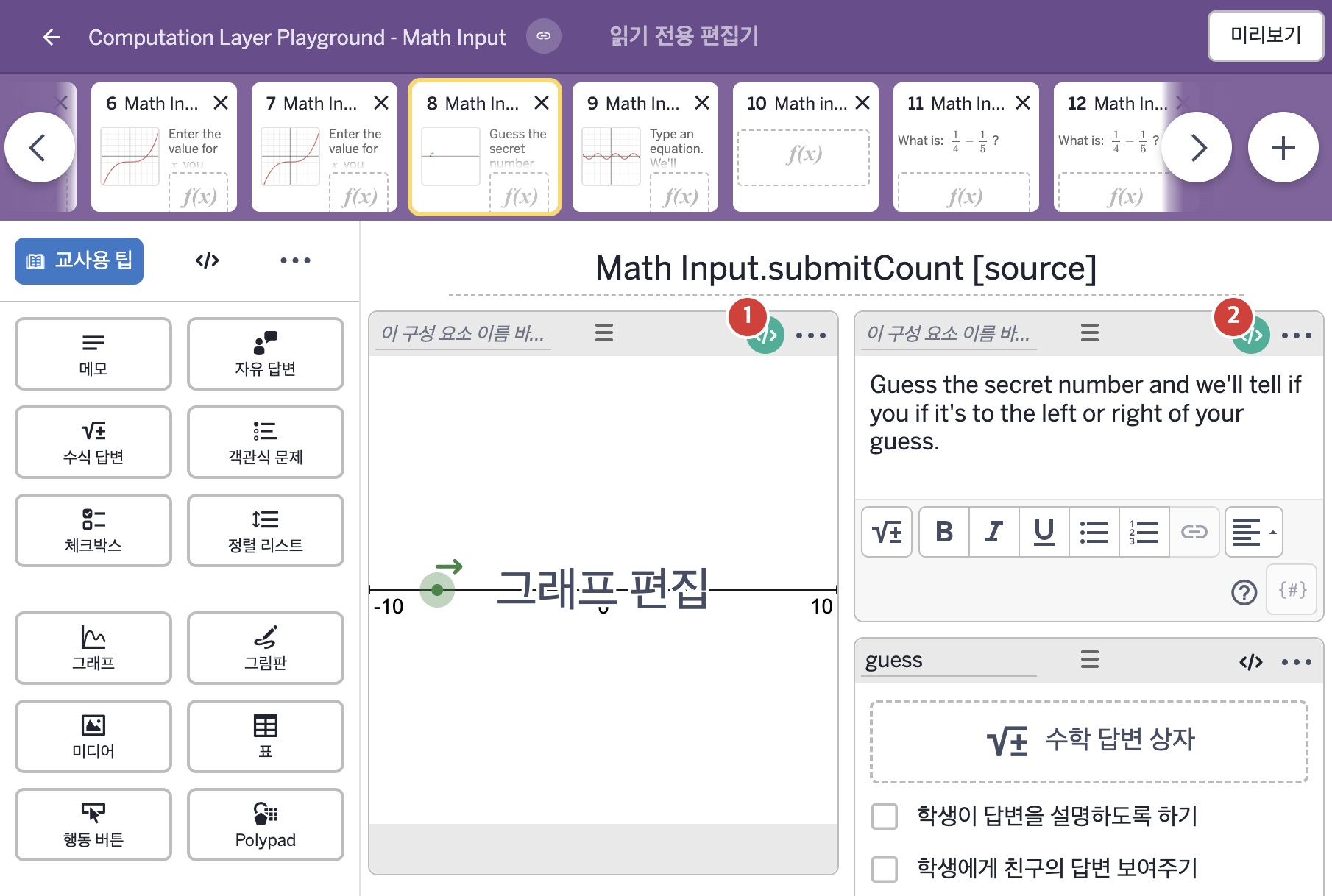
- Guess the secret number and we'll tell if you if it's to the left or right of your guess.
2. CL이 입력된 곳
| 번호 | 이름 | 종류 | CL 코드 원문, 번역, 설명 |
|---|---|---|---|
| 1 | 레이블 없는 그래프 | 그래프 | # We wait to see if the student has submitted their guess before displaying # anything within the graph exhibit. ▷ 학생이 답을 제출했는지 확인하기 전에는 그래프 전시 화면 안에 아무것도 표시하지 않는다. number("G_{uessX}"): when guess.submitted guess.numericValue otherwise 1000 ▶ 그래프의 변수 G_{uessX}는 guess가 제출되었으면( |
| 2 | 레이블 없는 메모 | 메모 | # "submitCount" on this screen will display the number of times # the expression input "guess" has been submitted. ▷ 이 화면의 "submitCount"는 수식 답변 "guess"가 제출된 횟수를 표시한다. content: "Guess the secret number and we'll tell if you if it's to the left or right of your guess. You've guessed ${guess.submitCount} times." ▶ 메모의 내용(content)은 "Guess the secret number and we'll tell if you if it's to the left or right of your guess."(비밀 숫자를 맞혀 보시오. 추측한 값의 왼쪽인지 오른쪽인지 알려 준다.) 아래에 빈 줄을 하나 두고 "You've guessed ${guess.submitCount} times."(지금까지 ○번 추측했다.)가 이어지는 글로 한다. |