홈 › Components › Graph and Graphing Calc › 화면 25
화면 25. Graph.function [sink]
원본: Computation Layer 문서(Graph) · Try It (원본 화면)
| 화면 번호 | 25 / 29 |
|---|---|
| 문서 항목 설명 (원문) | Sets the output of simpleFunction() to a variable defined in the graph. |
1. 화면 캡처 (빨간 번호 = 아래 표의 번호)
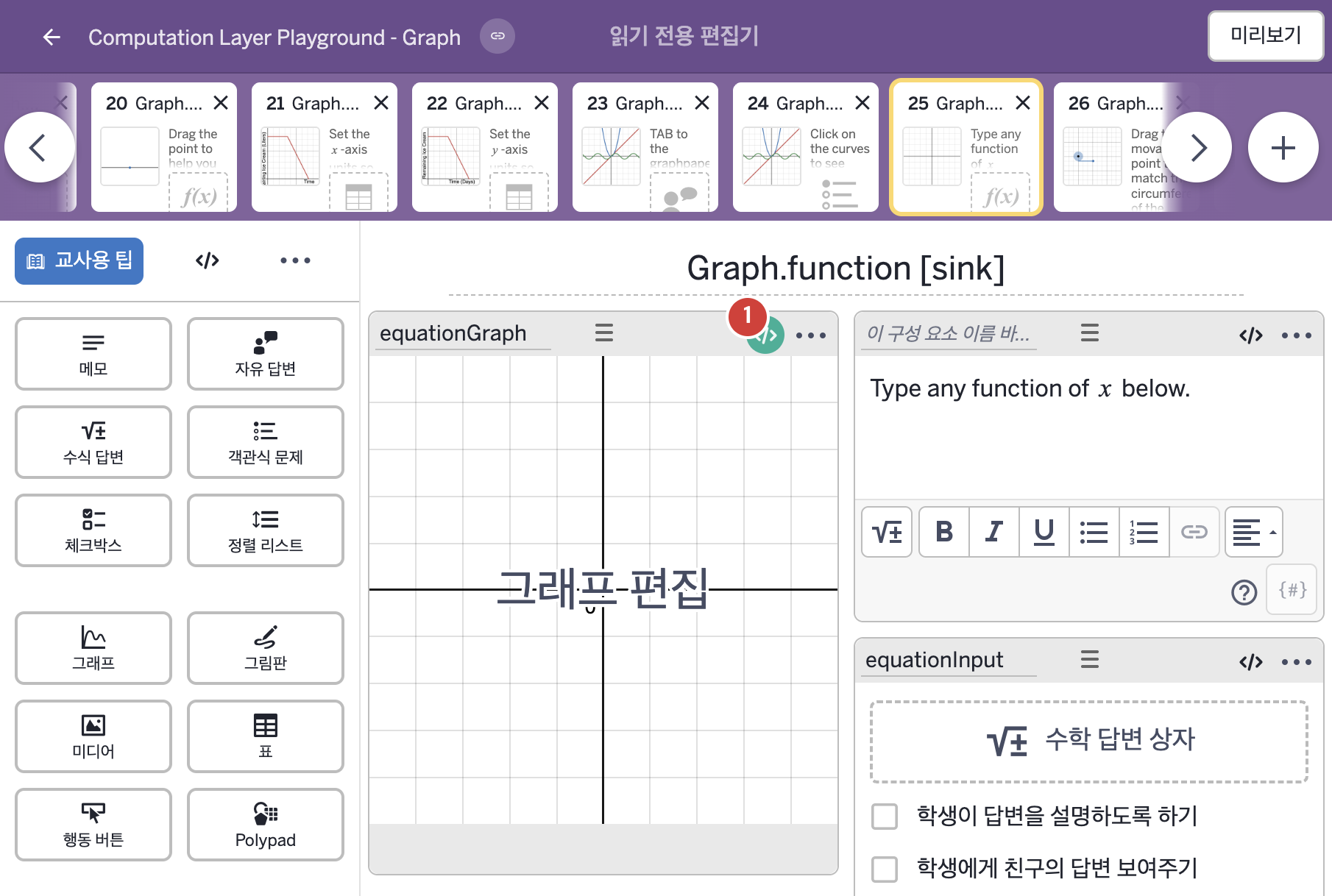
- Type any function of x below.
2. CL이 입력된 곳
| 번호 | 이름 | 종류 | CL 코드 원문, 번역, 설명 |
|---|---|---|---|
| 1 | equationGraph | 그래프 | # Get the latex string from "equationInput" and assign # it to f in the calculator. ▷ "equationInput"에서 latex 글자를 가져와 계산기의 f에 넣는다. function("f"): simpleFunction(equationInput.latex, "x") ▶ 그래프의 함수 "f"는 수식 답변 equationInput에 입력한 식의 LaTeX 글자를 x에 대한 함수로 바꾼 것( |