홈 › Components › Graph and Graphing Calc › 화면 24
화면 24. Graph.trace [sink]
원본: Computation Layer 문서(Graph) · Try It (원본 화면)
| 화면 번호 | 24 / 29 |
|---|---|
| 문서 항목 설명 (원문) | Allows tracing curves to inspect coordinates and shows point coordinates when clicked. |
1. 화면 캡처 (빨간 번호 = 아래 표의 번호)
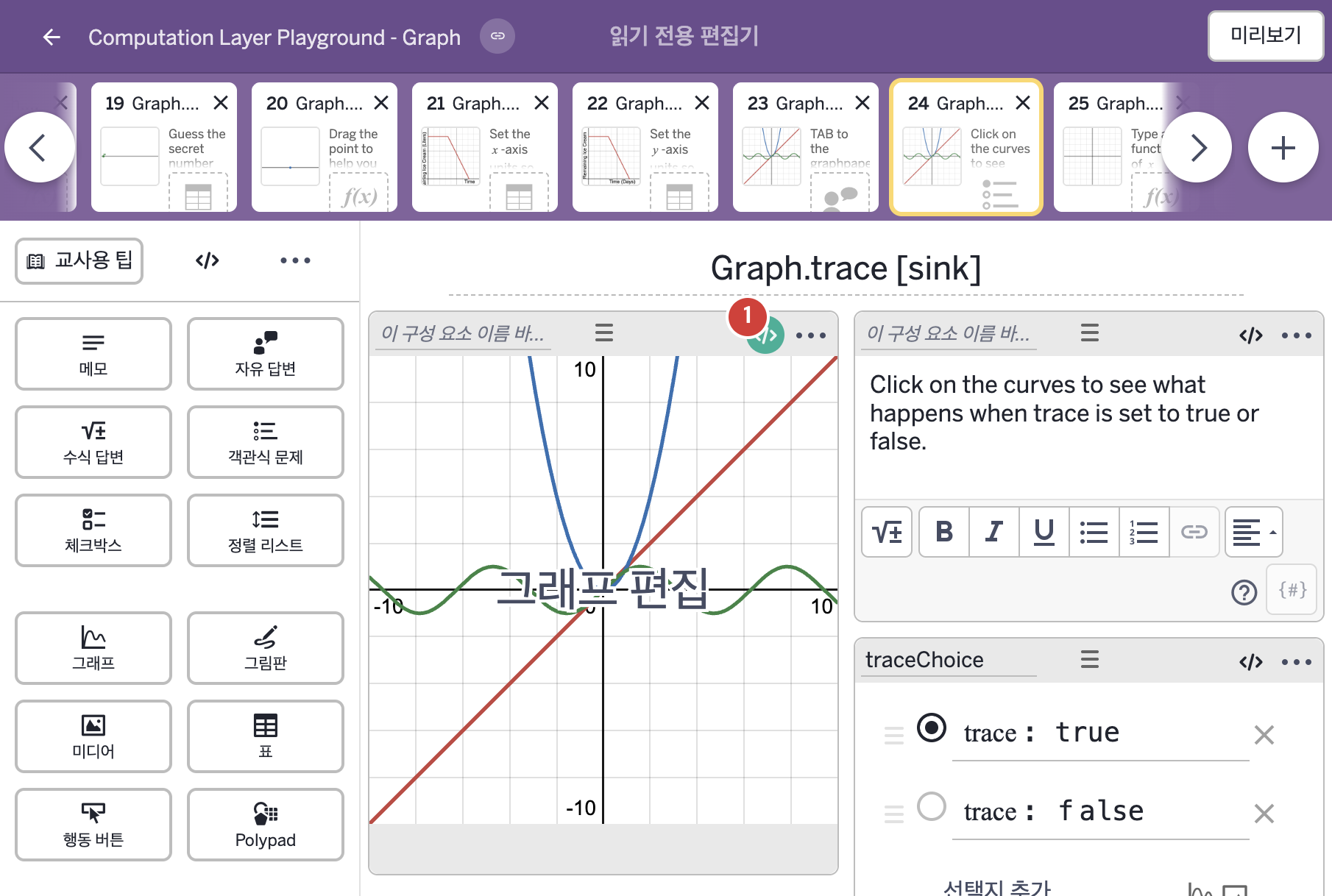
- Click on the curves to see what happens when trace is set to true or false.
- trace: true trace: false
2. CL이 입력된 곳
| 번호 | 이름 | 종류 | CL 코드 원문, 번역, 설명 |
|---|---|---|---|
| 1 | 레이블 없는 그래프 | 그래프 | # Trace allows students to click on points and lines # to show the coordinates of the point on the graph # they clicked on. Here, we have set "trace: true" # and "trace: false" only as an example. Simply type # "trace: false" if you want to prevent students from # clicking on the graph to show more information. By # default, it is set to true. ▷ trace는 학생이 점이나 선을 클릭하면 그 점의 좌표를 보여 주는 기능이다. 여기서는 예시로 "trace: true"와 "trace: false"를 정해 두었다. 학생이 그래프를 클릭해 더 많은 정보를 보지 못하게 하려면 "trace: false"라고 쓰면 된다. 기본값은 true이다. trace: traceChoice.isSelected(1) ▶ 추적(trace)은 객관식 traceChoice의 1번 보기("trace: true")가 선택되었는지를 알려 주는 값( |