홈 › Components › Graph and Graphing Calc › 화면 2
화면 2. Graph.calculatorState [source]
원본: Computation Layer 문서(Graph) · Try It (원본 화면)
| 화면 번호 | 2 / 29 |
|---|---|
| 문서 항목 설명 (원문) | Gets the full state of a graph. Pass this, for example, into the graphLayer method. |
1. 화면 캡처 (빨간 번호 = 아래 표의 번호)
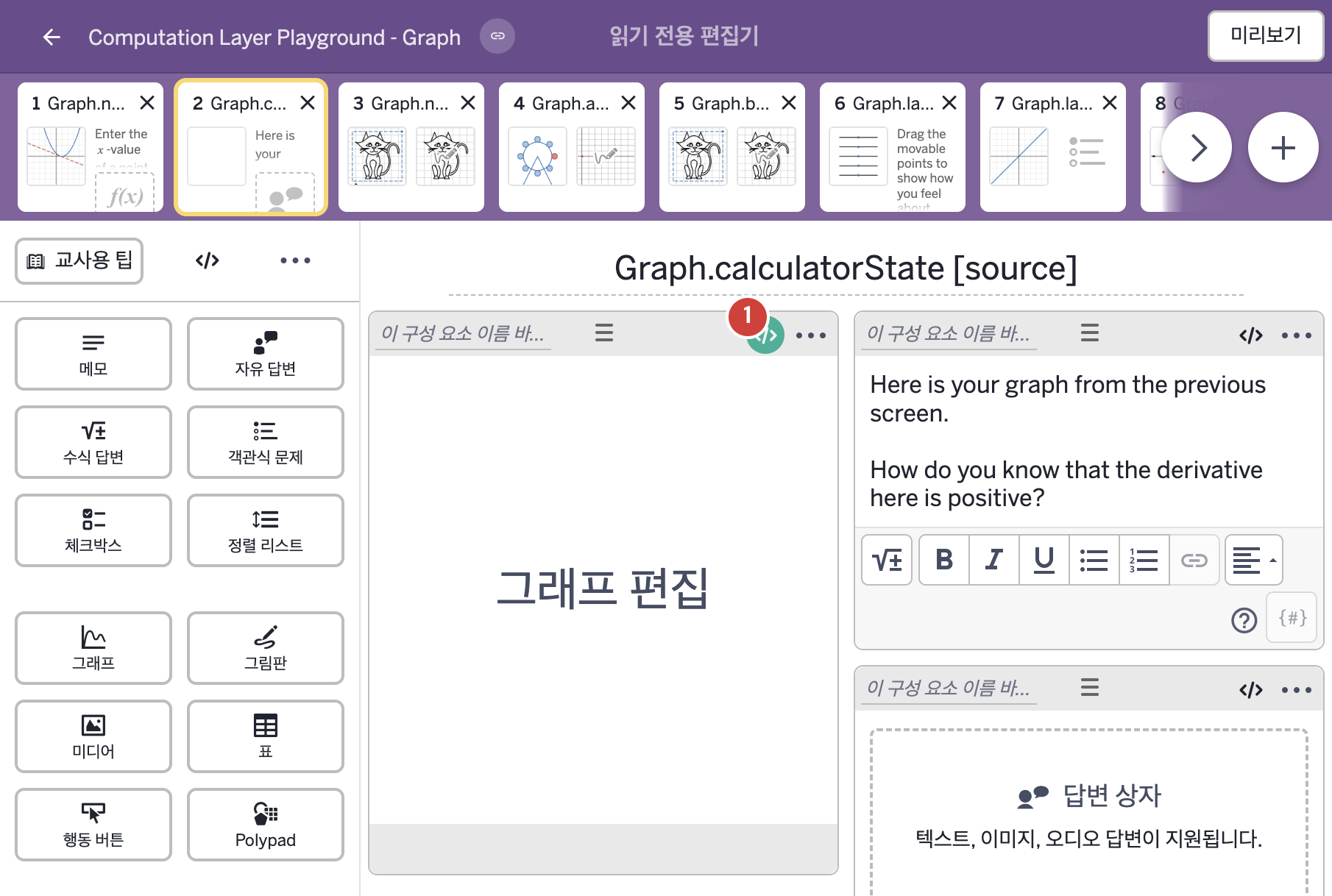
- Here is your graph from the previous screen. How do you know that the derivative here is positive?
2. CL이 입력된 곳
| 번호 | 이름 | 종류 | CL 코드 원문, 번역, 설명 |
|---|---|---|---|
| 1 | 레이블 없는 그래프 | 그래프 | # This creates a background graph layer by pulling the state of # the graph from tangentGraph1 (found on screen 1) into this component. ▷ |