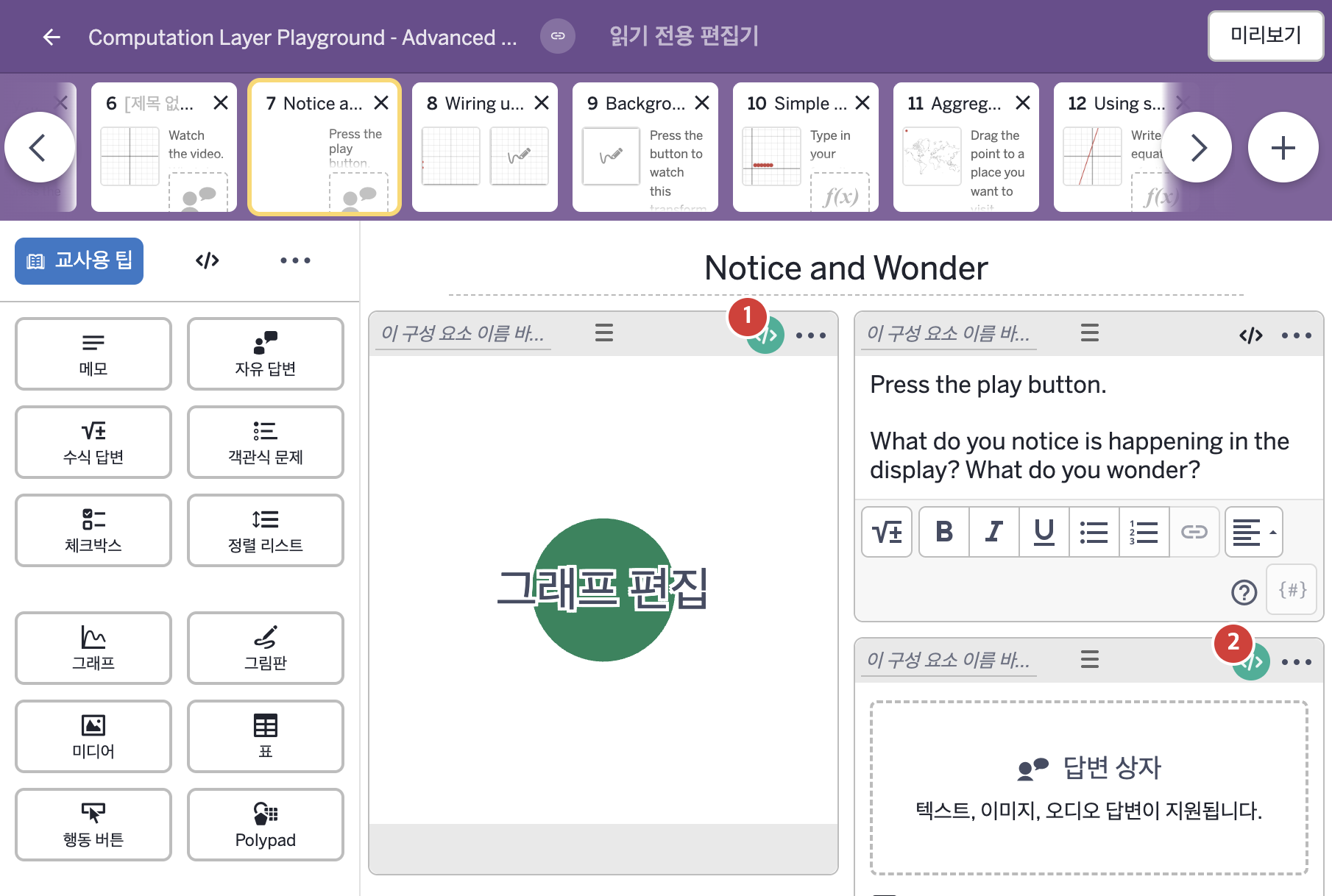
코드 안의 회색 줄은 원문 영어 주석이고, 파란 줄은 그 영어 주석의 번역이며, 연분홍 줄은 코드가 하는 일의 설명이다.
| 번호 | 이름 | 종류 | CL 코드 원문, 번역, 설명 |
|---|
| 1 | 레이블 없는 그래프 | 그래프 | #this is a 5 second animation
▷ 5초짜리 애니메이션이다.
animationDuration:5
▶ 애니메이션 재생 시간(animationDuration)은 5로 한다.
animationDuration은 그래프 위에 동영상처럼 재생바(playhead)를 붙이고 그 길이를 정한다. 0 이하의 값은 재생바를 숨기고, 그래프 구성요소(graph exhibit)에서만 작동한다.
#take the animationTime and inject it in
▷ animationTime을 가져와 그래프에 끼워 넣는다.
number("t_0"): this.animationTime
▶ 그래프의 변수 t_0은 이 그래프의 애니메이션 재생 위치(this.animationTime)로 한다.
number("이름")은 그래핑 계산기 안의 변수 값을 정한다. animationTime은 애니메이션 재생 위치를 알려 주며 animationDuration과 함께 쓴다. this는 이 구성요소이다.
#Add in accessibility tied to the animationTime!
▷ animationTime에 맞춰 접근성(accessibility) 설명도 넣는다!
narration(1): when this.animationTime > 0 "" otherwise "This graph shows a circle."
▶ 첫 번째 내레이션(narration(1))은 this.animationTime이 0보다 크면 빈 글자, 그렇지 않으면 "This graph shows a circle."(이 그래프는 원 하나를 보여 준다.)로 한다.
narration(번호)는 화면 낭독기가 소리 내어 읽을 글을 정한다. when은 조건을 차례로 확인해 처음 맞는 값을 쓴다.
narration(2): when this.animationTime = 0 "" otherwise "The original circle splits into two circles, labeled \"Stage 1\". To get to the next stage, every circle splits into two more circles."
▶ 두 번째 내레이션(narration(2))은 this.animationTime이 0이면 빈 글자, 그렇지 않으면 "The original circle splits into two circles, labeled \"Stage 1\". To get to the next stage, every circle splits into two more circles."(처음의 원이 "Stage 1"이라는 이름의 두 원으로 나뉜다. 다음 단계로 가려면 모든 원이 다시 두 원으로 나뉜다.)로 한다.
글자 안의 \"는 따옴표 글자 하나이다. \는 바로 뒤 글자의 뜻을 바꾸는 표시이다.
narration(3): when this.animationTime = 0 "" otherwise "The animation shows Stages 1 through 4."
▶ 세 번째 내레이션(narration(3))은 this.animationTime이 0이면 빈 글자, 그렇지 않으면 "The animation shows Stages 1 through 4."(애니메이션은 1단계부터 4단계까지 보여 준다.)로 한다.
|
| 2 | 레이블 없는 자유 답변 | 자유 답변 | initialText: "I notice . . .
I wonder . . . "
▶ 자유 답변의 초기에 입력된 내용(initialText)은 "I notice . . ."(나는 ...을 알아챘다), 빈 줄 하나, "I wonder . . ."(나는 ...이 궁금하다)로 한다.
|