홈 › Components › Action Button (행동 버튼) › 화면 7
화면 7. Action Button.resetLabel [sink]
원본: Computation Layer 문서(Action Button (행동 버튼)) · Try It (원본 화면)
| 화면 번호 | 7 / 12 |
|---|---|
| 문서 항목 설명 (원문) | resetLabel Sets the link text we'll show that lets the student reset the action button. |
1. 화면 캡처 (빨간 번호 = 아래 표의 번호)
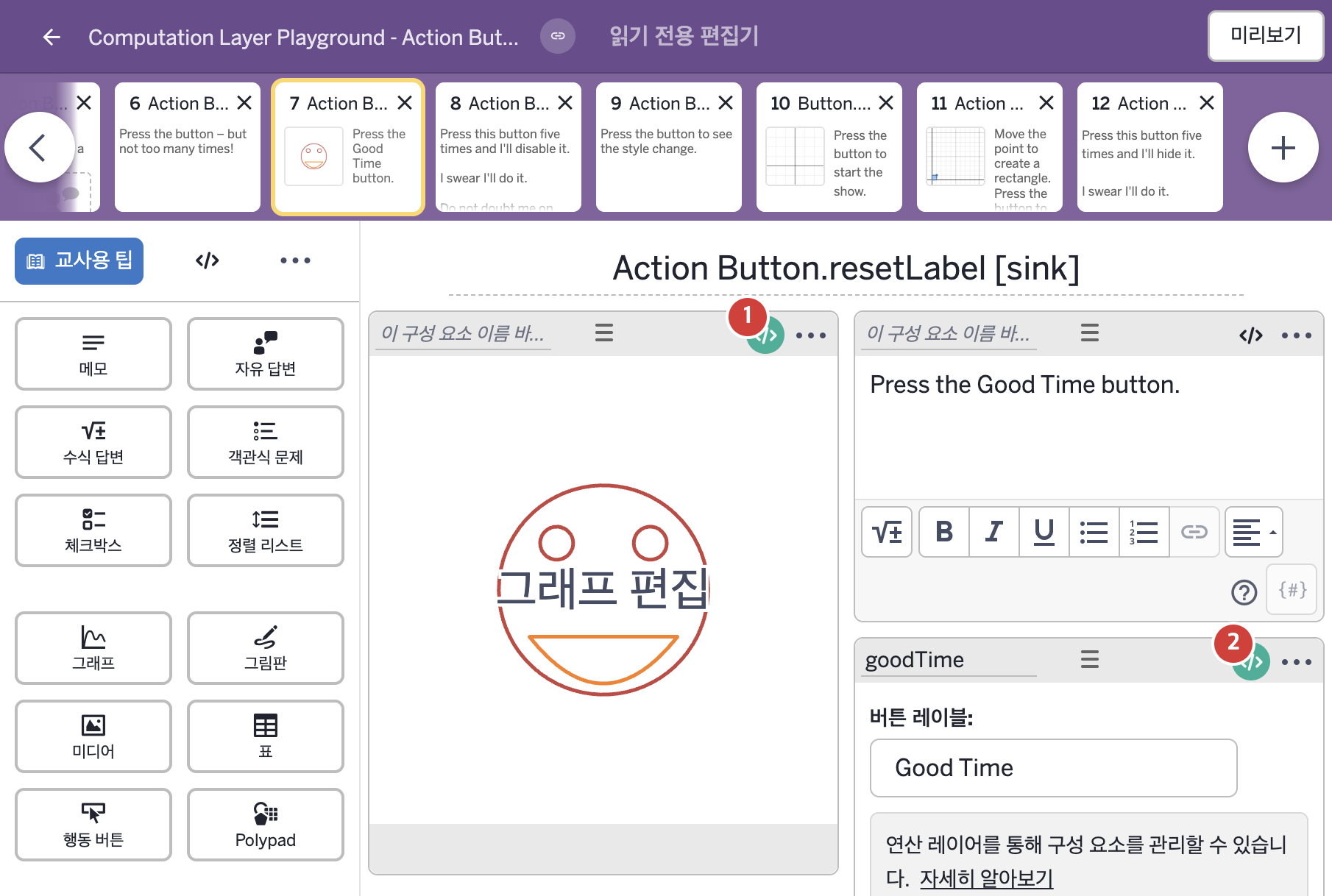
- Press the Good Time button.
- Good Time
2. CL이 입력된 곳
| 번호 | 이름 | 종류 | CL 코드 원문, 번역, 설명 |
|---|---|---|---|
| 1 | 레이블 없는 그래프 | 그래프 | # Define the variable s_mile as the amount of time since the action # button "goodTime" was pressed. We'll use that number in the # graph component. ▷ 변수 s_mile을 행동 버튼 "goodTime"을 누른 뒤 지난 시간으로 정한다. 이 숫자를 그래프 구성요소에서 쓴다. number("s_{mile}"): goodTime.timeSincePress ▶ 그래프의 변수 s_{mile}은 행동 버튼 goodTime을 누른 뒤 지난 시간( |
| 2 | goodTime | 행동 버튼 | # When the action button is pressed the label displayed will be # "Make a Bad Time Again". When pressed, the button will reset to its # unpressed label and state. ▷ 행동 버튼을 누르면 표시되는 라벨은 "Make a Bad Time Again"이 된다. 누르면 버튼은 누르기 전의 라벨과 상태로 되돌아간다. resetLabel: "Make a Bad Time Again" ▶ 행동 버튼의 재설정 라벨(resetLabel)은 "Make a Bad Time Again"(다시 나쁜 시간을 만드시오)로 한다. |