화면 12. Table.cellDisableEvaluation [sink]
원본: Computation Layer 문서(Table (표)) · Try It (원본 화면)
| 화면 번호 | 12 / 17 |
|---|
| 문서 항목 설명 (원문) | cellDisableEvaluationrowIndex: number, columnIndex: number Disable the evaluation of math typed by the student in this cell. Only affects cells in math type columns. |
|---|
1. 화면 캡처 (빨간 번호 = 아래 표의 번호)
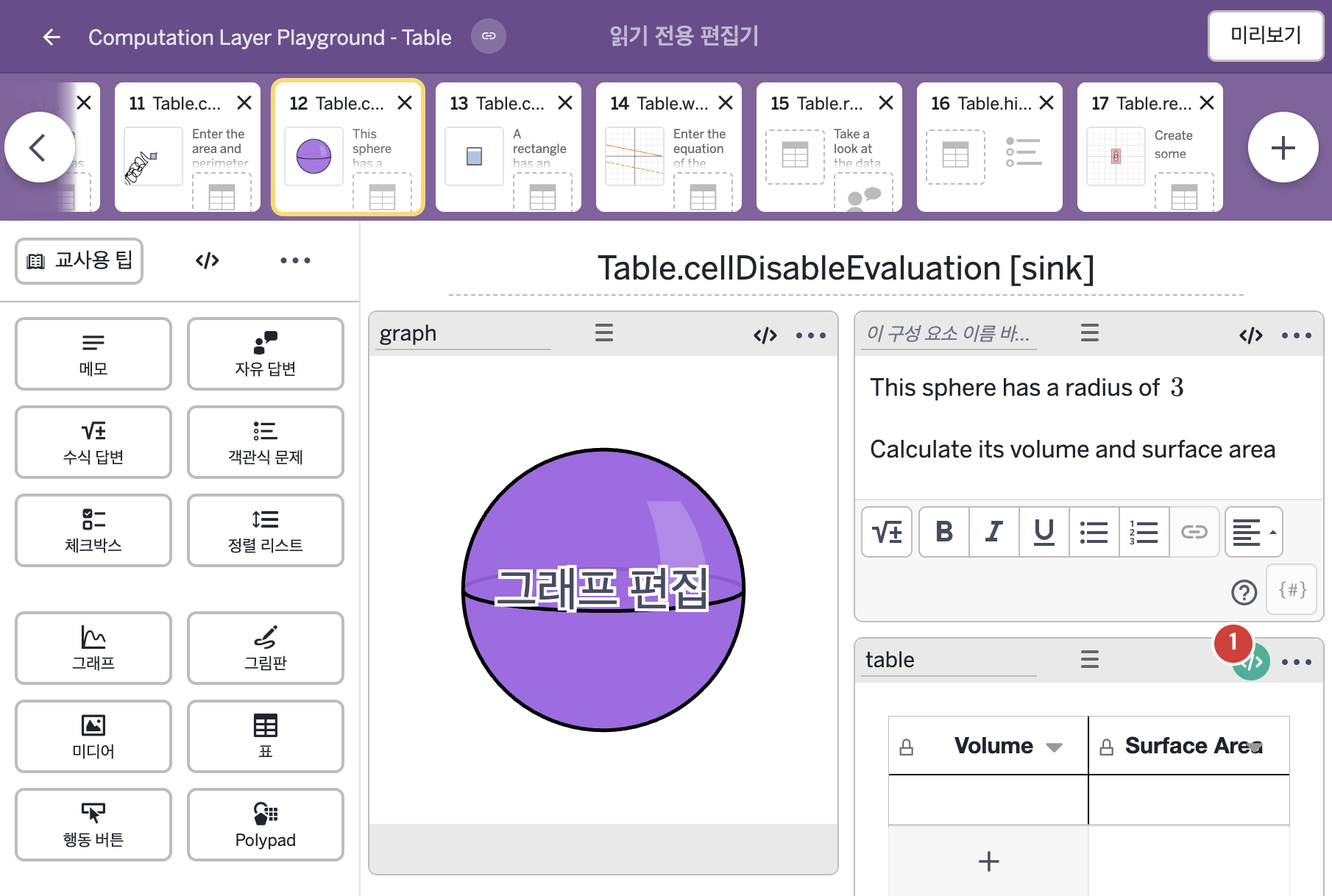
화면에 적힌 영어 문구(원문):
- This sphere has a radius of 3
Calculate its volume and surface area
- Volume
Surface Area
2. CL이 입력된 곳
코드 안의 회색 줄은 원문 영어 주석이고, 파란 줄은 그 영어 주석의 번역이며, 연분홍 줄은 코드가 하는 일의 설명이다.
| 번호 | 이름 | 종류 | CL 코드 원문, 번역, 설명 |
|---|
| 1 | table | 표 | # When set to true, this sink won't display the value of an
# expression, which is especially useful when finding the value
# of an expression is the point of the question.
▷ true로 정하면 이 sink는 식의 계산 값을 표시하지 않는다. 식의 값을 구하는 것 자체가 문제의 핵심일 때 특히 유용하다.
cellDisableEvaluation(1,1): true
▶ 1행 1열 셀의 계산 끄기(cellDisableEvaluation)는 true로 한다.
cellDisableEvaluation(행, 열)은 학생이 그 셀에 입력한 수식의 계산을 끄며, 수식 종류 열의 셀에만 영향이 있다.
|