홈 › Components › Sketch (그림판) › 화면 26
화면 26. Sketch.audioTraceReverseExpressions [sink]
원본: Computation Layer 문서(Sketch (그림판)) · Try It (원본 화면)
| 화면 번호 | 26 / 34 |
|---|---|
| 문서 항목 설명 (원문) | audioTraceReverseExpressions If the sketch has a graph background, specifies whether expressions are traversed in reverse order when audio trace is active. This behavior may be desired in situations where the curves you wish a student to examine are declared at the end of the calculator's expression list so that they appear in the foreground. |
1. 화면 캡처 (빨간 번호 = 아래 표의 번호)
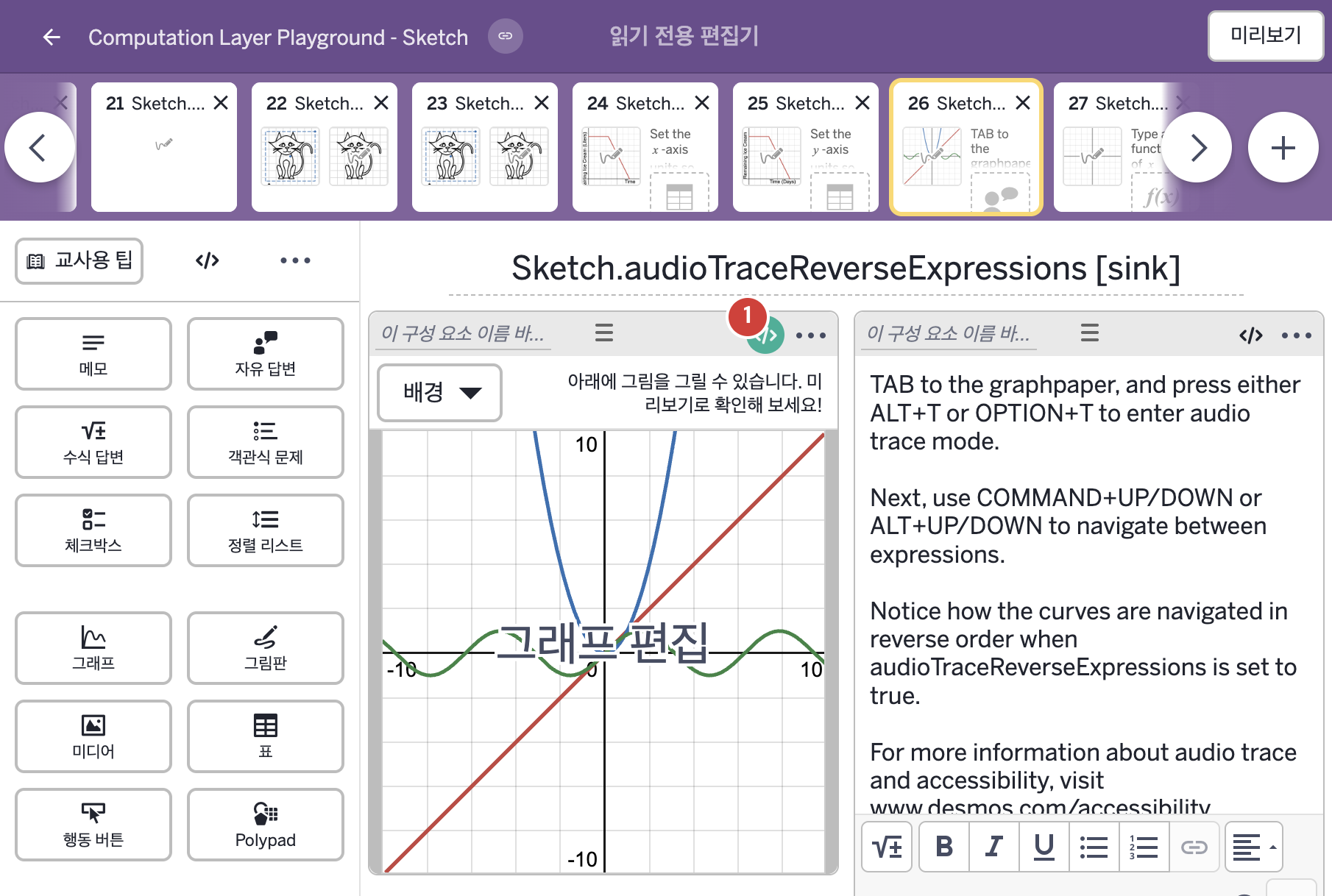
- TAB to the graphpaper, and press either ALT+T or OPTION+T to enter audio trace mode. Next, use COMMAND+UP/DOWN or ALT+UP/DOWN to navigate between expressions. Notice how the curves are navigated in reverse order when audioTraceReverseExpressions is set to true. For more information about audio trace and accessibility, visit www.desmos.com/accessibility.
2. CL이 입력된 곳
| 번호 | 이름 | 종류 | CL 코드 원문, 번역, 설명 |
|---|---|---|---|
| 1 | 레이블 없는 그림판 | 그림판 | # In audio trace mode, navigates the # expressions in reverse order when # set to true. ▷ 오디오 추적(audio trace) 모드에서, true로 정하면 식들을 거꾸로 된 순서로 이동한다. audioTraceReverseExpressions: true ▶ 오디오 추적의 식 역순(audioTraceReverseExpressions)은 true로 한다. |