홈 › Components › Sketch (그림판) › 화면 24
화면 24. Sketch.xAxisLabel [sink]
원본: Computation Layer 문서(Sketch (그림판)) · Try It (원본 화면)
| 화면 번호 | 24 / 34 |
|---|---|
| 문서 항목 설명 (원문) | xAxisLabel If the sketch has a graph background, sets the string we display along the x-axis. |
1. 화면 캡처 (빨간 번호 = 아래 표의 번호)
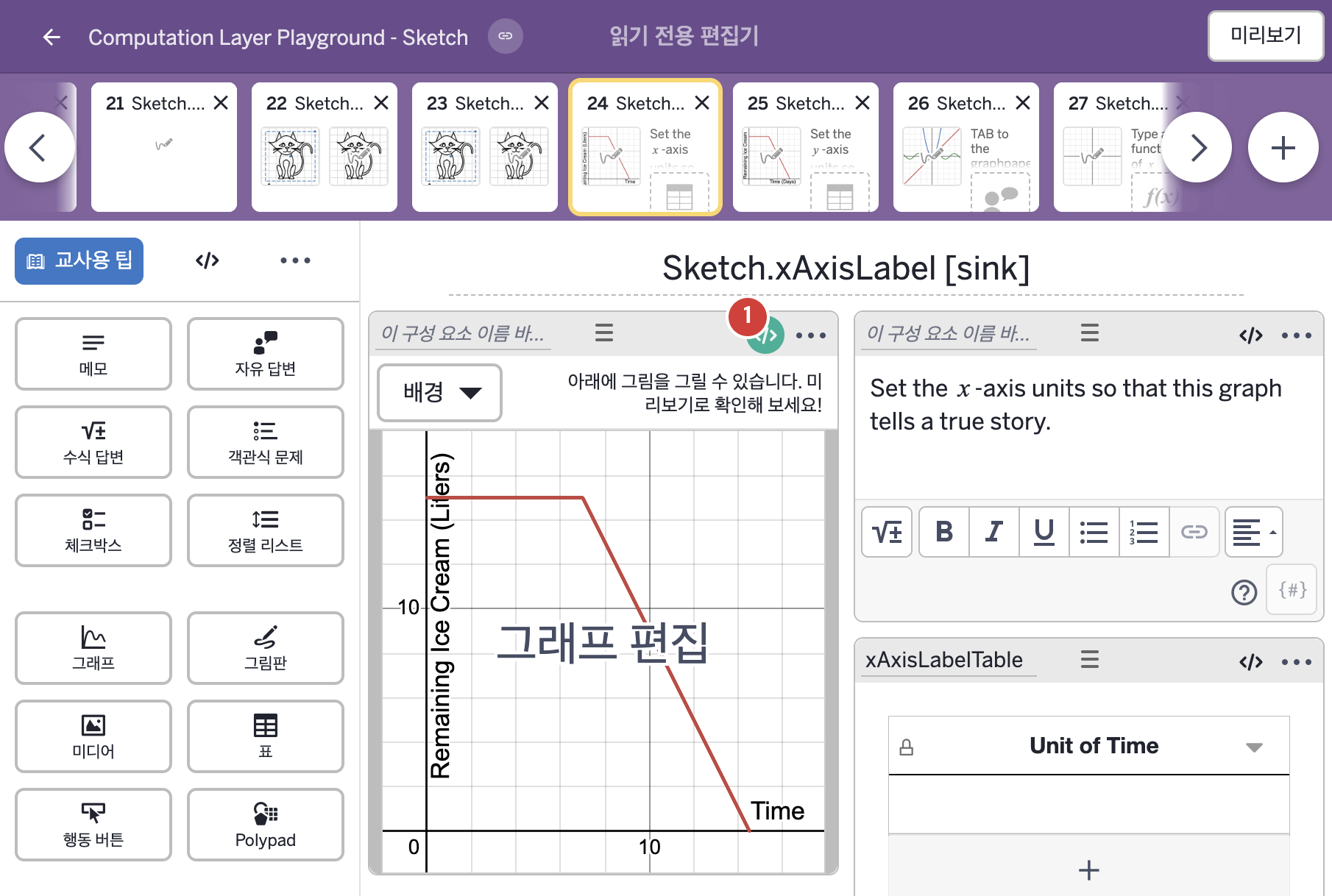
- Set the x-axis units so that this graph tells a true story.
- Unit of Time
2. CL이 입력된 곳
| 번호 | 이름 | 종류 | CL 코드 원문, 번역, 설명 |
|---|---|---|---|
| 1 | 레이블 없는 그림판 | 그림판 | # This will look at certain cells in a table # and use the contents there to set the x-axis # label. ▷ 표의 특정 셀을 읽어 그 내용으로 x축 라벨을 정한다. xAxisLabel: "Time (${xAxisLabelTable.cellContent(1,1)})" ▶ 그림판의 x축 이름(xAxisLabel)은 "Time (${xAxisLabelTable.cellContent(1,1)})", 즉 "Time ("(시간 () 뒤에 표 xAxisLabelTable의 1행 1열 셀 내용이 오고 ")"로 끝나는 글자로 한다. |