홈 › Components › Ordered List (정렬 리스트) › 화면 5
화면 5. Ordered List.indexOfItem [source]
원본: Computation Layer 문서(Ordered List (정렬 리스트)) · Try It (원본 화면)
| 화면 번호 | 5 / 11 |
|---|---|
| 문서 항목 설명 (원문) | indexOfIteminitialItemIndex: number Returns the sorted index of the item that started with the given index (indexed starting with 1). |
1. 화면 캡처 (빨간 번호 = 아래 표의 번호)
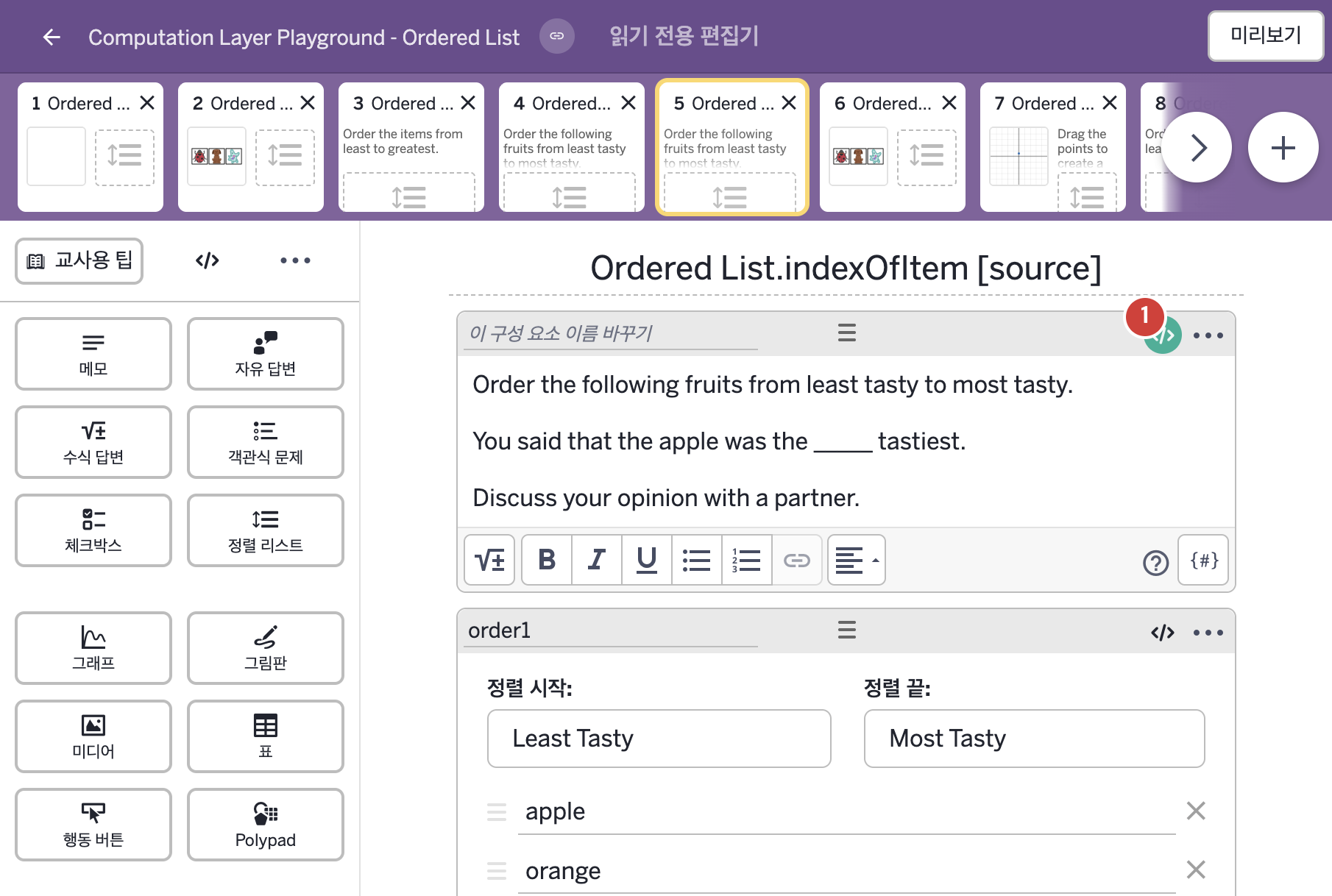
- Order the following fruits from least tasty to most tasty. You said that the apple was the _____ tastiest. Discuss your opinion with a partner.
- apple orange banana pineapple peach
2. CL이 입력된 곳
| 번호 | 이름 | 종류 | CL 코드 원문, 번역, 설명 |
|---|---|---|---|
| 1 | 레이블 없는 메모 | 메모 | # Take the current index of the first item (apple = 1) # and convert it into a term that makes sentence in line # with the rest of the note. ▷ 첫 번째 항목(apple = 1)의 현재 위치 번호를 가져와, 메모의 나머지 문장과 어울리는 낱말로 바꾼다. position = when order1.indexOfItem(1) = 5 "" when order1.indexOfItem(1) = 4 "second " when order1.indexOfItem(1) = 3 "third " when order1.indexOfItem(1) = 2 "fourth " otherwise "fifth " ▶ 변수 position은 |