홈 › Components › Ordered List (정렬 리스트) › 화면 3
화면 3. Ordered List.itemAtIndex [source]
원본: Computation Layer 문서(Ordered List (정렬 리스트)) · Try It (원본 화면)
| 화면 번호 | 3 / 11 |
|---|---|
| 문서 항목 설명 (원문) | itemAtIndexitemIndex: number Returns the starting item index of the item that's at the given index (indexed starting with 1). |
1. 화면 캡처 (빨간 번호 = 아래 표의 번호)
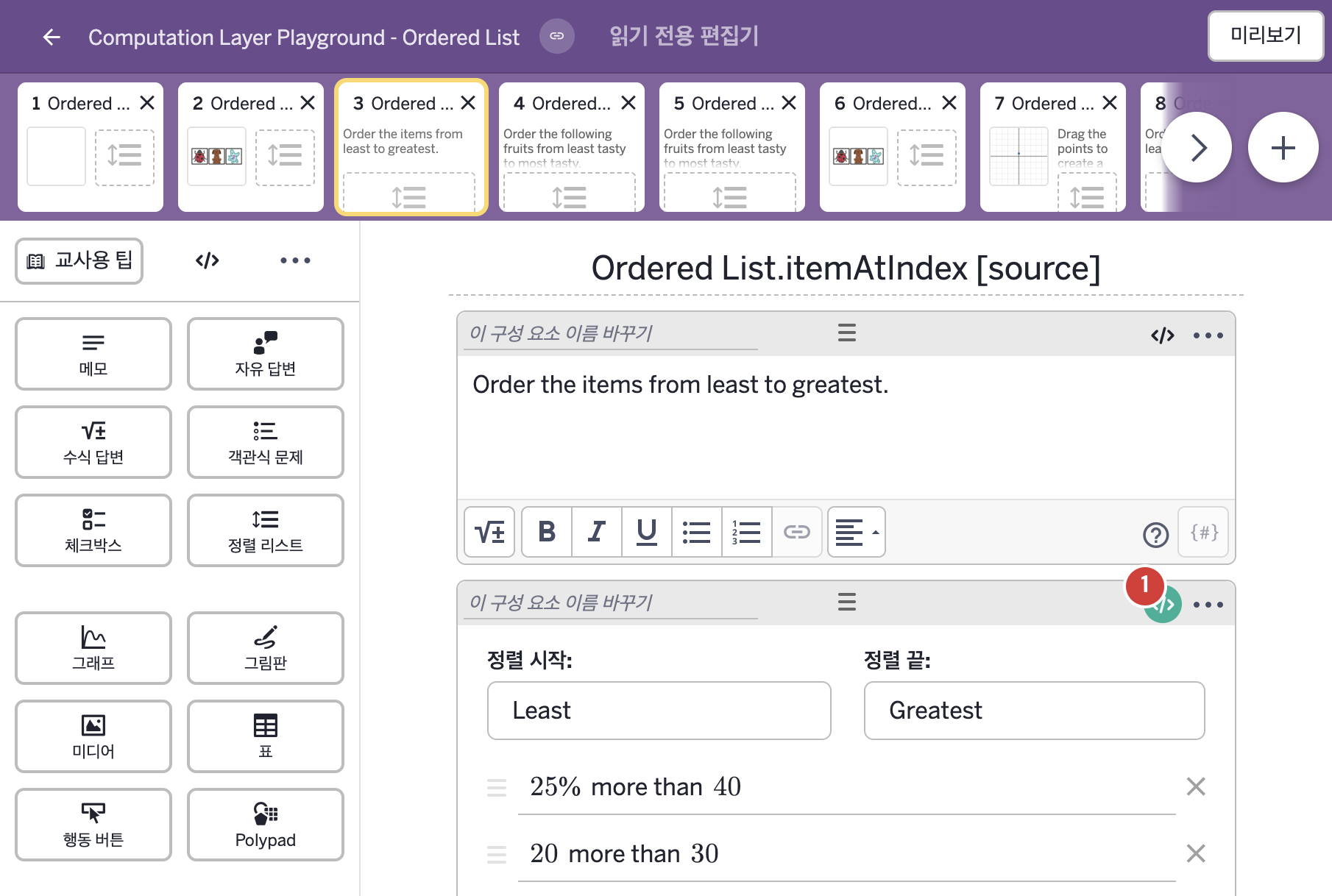
- Order the items from least to greatest.
- 25% more than 40 20 more than 30 50% less than 100 25% more than 80
2. CL이 입력된 곳
| 번호 | 이름 | 종류 | CL 코드 원문, 번역, 설명 |
|---|---|---|---|
| 1 | 레이블 없는 정렬 리스트 | 정렬 리스트 | # This places a check in the summary tab # of the dashboard as long as the first item is # in the first position. The location of the # remaining items do not matter. ▷ 첫 번째 항목이 첫 번째 자리에 있기만 하면 교사 대시보드의 요약 탭에 체크 표시를 한다. 나머지 항목의 위치는 상관없다. correct: this.itemAtIndex(4) = 4 ▶ 정렬 리스트의 정답 조건(correct)은 |