홈 › Components › Multiple Choice and Checkboxes › 화면 6
화면 6. Choice.choiceContent [source]
원본: Computation Layer 문서(Multiple Choice and Checkboxes) · Try It (원본 화면)
| 화면 번호 | 6 / 21 |
|---|---|
| 문서 항목 설명 (원문) | Gets the string content for choice with the provided index. |
1. 화면 캡처 (빨간 번호 = 아래 표의 번호)
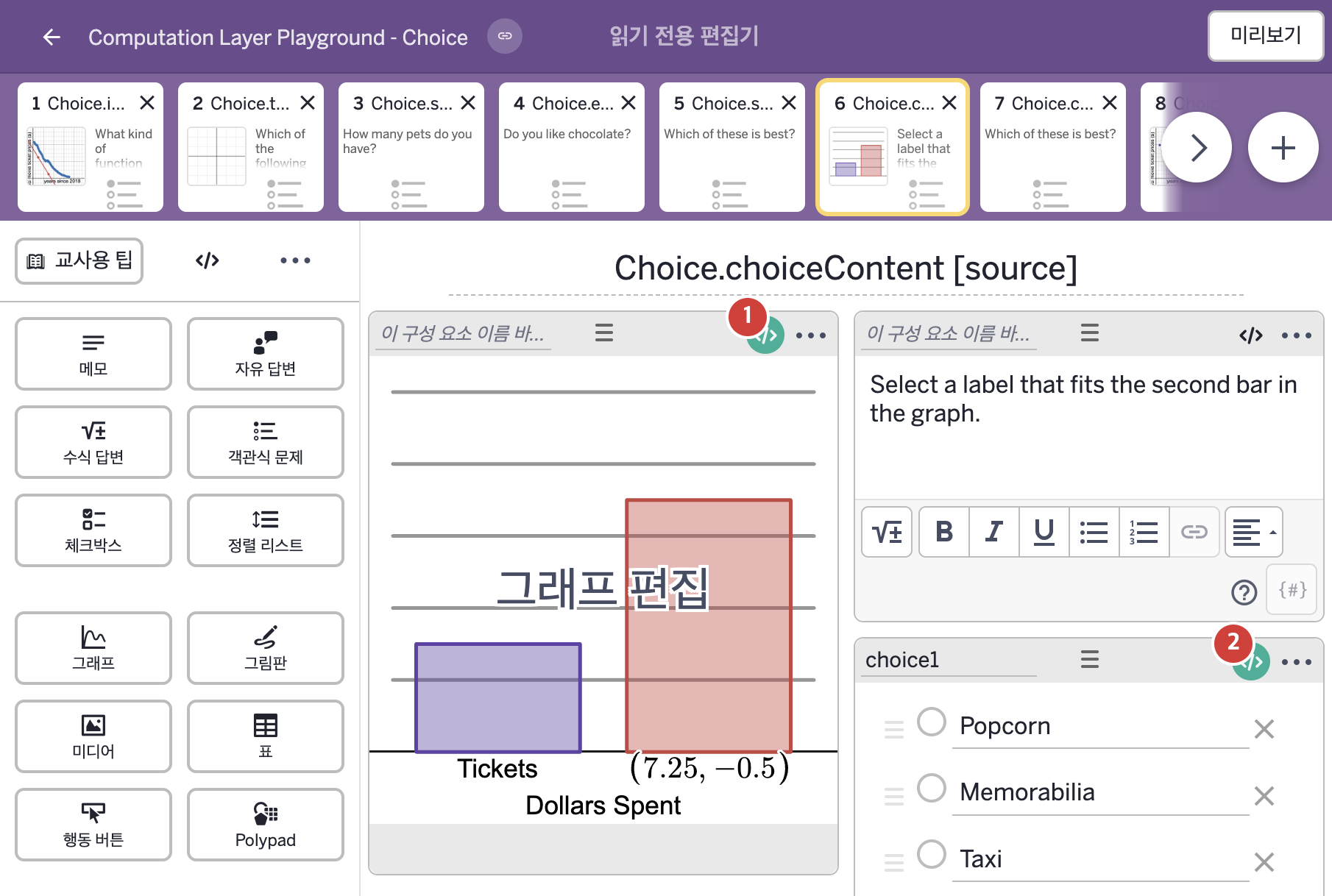
- Select a label that fits the second bar in the graph.
- Popcorn Memorabilia Taxi
2. CL이 입력된 곳
| 번호 | 이름 | 종류 | CL 코드 원문, 번역, 설명 |
|---|---|---|---|
| 1 | 레이블 없는 그래프 | 그래프 | # Sets the point label used to label a bar in a bar # graph based on the choice selected. If nothing is # selected the label will show "?". ▷ 선택한 보기에 따라 막대그래프의 막대에 붙일 점 라벨을 정한다. 아무것도 선택하지 않았다면 라벨은 "?"로 표시된다. pointLabel("P_2"): when choice1.isSelected(1) choice1.choiceContent(1) when choice1.isSelected(2) choice1.choiceContent(2) when choice1.isSelected(3) choice1.choiceContent(3) otherwise "?" ▶ 점 P_2의 라벨(pointLabel)은 choice1의 1번 보기가 선택되었다면( |
| 2 | choice1 | 객관식 문제 | explainPrompt: "What situation does your graph represent?" ▶ 설명 안내 문구(explainPrompt)는 "What situation does your graph represent?"(당신의 그래프는 어떤 상황을 나타내는가?)로 한다. |