홈 › Components › Math Response (수식 답변) › 화면 21
화면 21. Math Input.showPeerResponses [sink]
원본: Computation Layer 문서(Math Response (수식 답변)) · Try It (원본 화면)
| 화면 번호 | 21 / 28 |
|---|---|
| 문서 항목 설명 (원문) | showPeerResponses Overrides the "show classmates' responses" checkbox, and lets you use that feature even when it's not at the end of a column. |
1. 화면 캡처 (빨간 번호 = 아래 표의 번호)
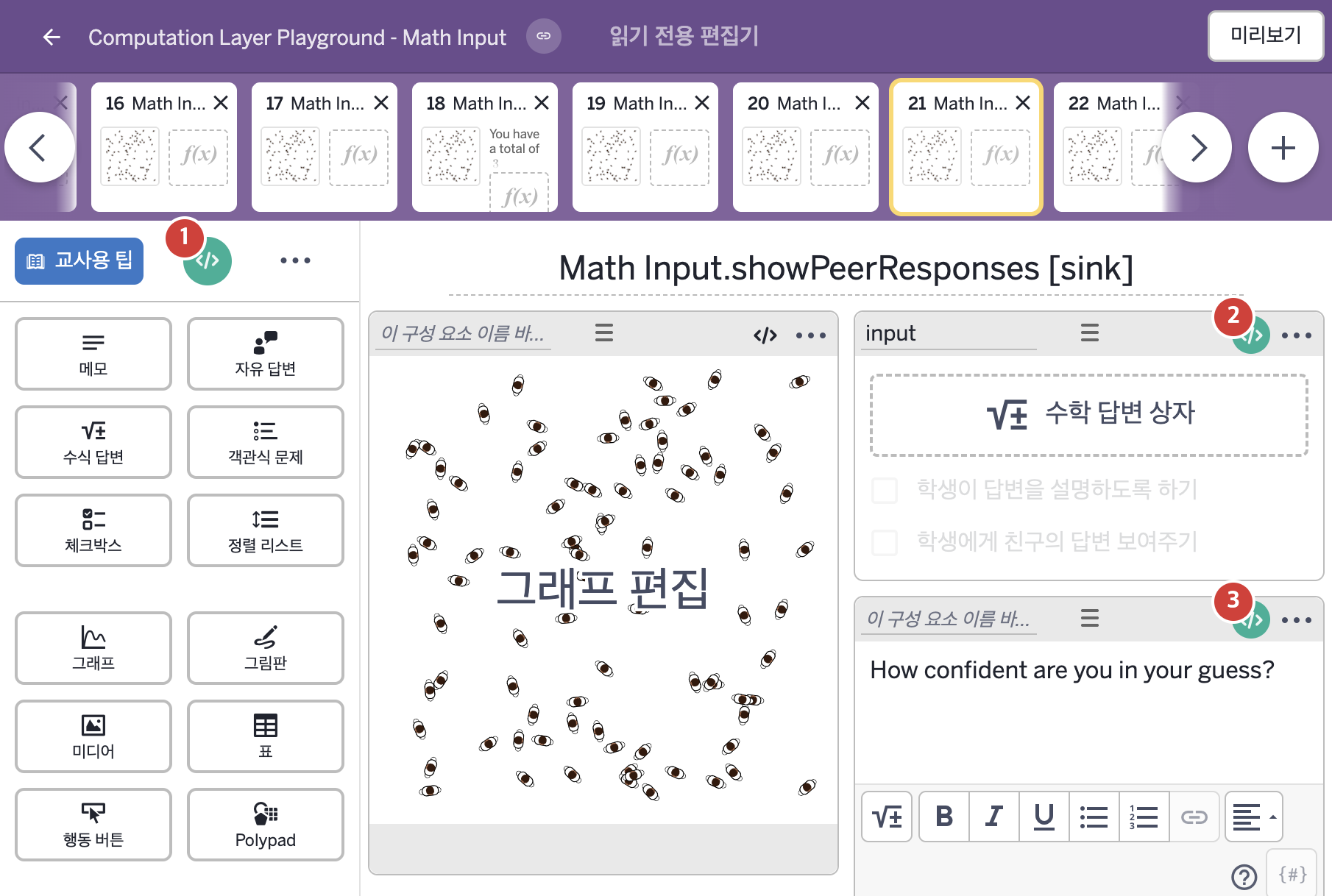
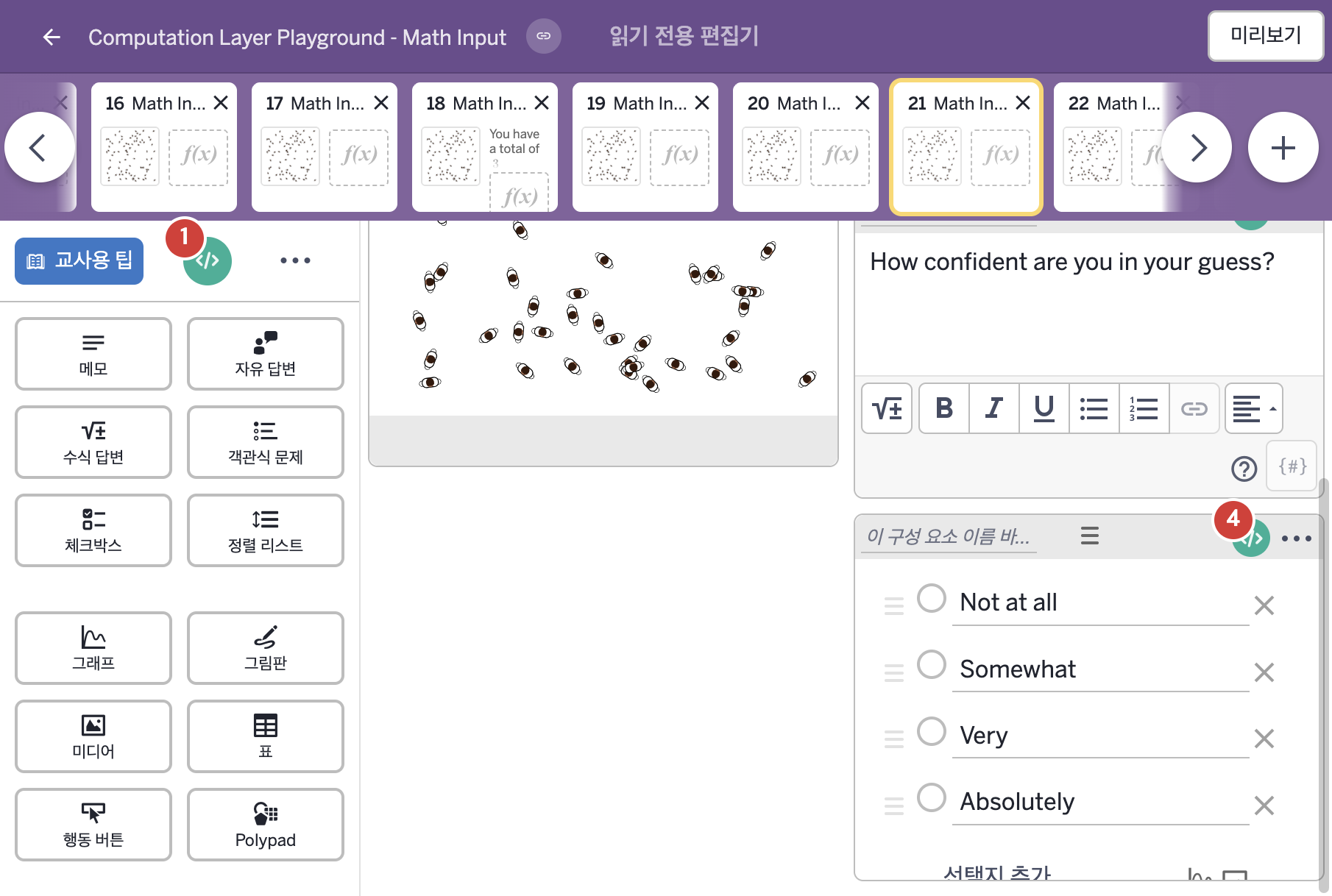
- How confident are you in your guess?
- Not at all Somewhat Very Absolutely
2. CL이 입력된 곳
| 번호 | 이름 | 종류 | CL 코드 원문, 번역, 설명 |
|---|---|---|---|
| 1 | master CL | SCREEN | subtitle: "How many people are there in the graph display?" ▶ 화면 제목 아래에 표시할 부제목(subtitle)은 "How many people are there in the graph display?"(그래프에 사람이 몇 명 있는가?)로 한다. |
| 2 | input | 수식 답변 | # This code will make the peer responses show # even though this component is not at the bottom # of the column. ▷ 이 코드는 이 구성요소가 열의 맨 아래에 있지 않아도 친구들의 응답이 보이게 한다. showPeerResponses: true ▶ 친구 응답 보이기(showPeerResponses)는 true로 한다. |
| 3 | 레이블 없는 메모 | 메모 | # Hides the component until an answer is submitted. ▷ 답이 제출될 때까지 이 구성요소를 숨긴다. hidden: not(input.submitted) ▶ 숨김 조건(hidden)은 수식 답변 input이 제출되었는지를 뒤집은 값( |
| 4 | 레이블 없는 객관식 문제 | 객관식 문제 | # Hides the component until an answer is submitted. ▷ 답이 제출될 때까지 이 구성요소를 숨긴다. hidden: not(input.submitted) ▶ 숨김 조건(hidden)은 수식 답변 input이 제출되었는지를 뒤집은 값( |