홈 › Components › Action Button (행동 버튼) › 화면 4
화면 4. Action Button.pressCount [source]
원본: Computation Layer 문서(Action Button (행동 버튼)) · Try It (원본 화면)
| 화면 번호 | 4 / 12 |
|---|---|
| 문서 항목 설명 (원문) | pressCount Gets the number of times the action button has been pressed. |
1. 화면 캡처 (빨간 번호 = 아래 표의 번호)
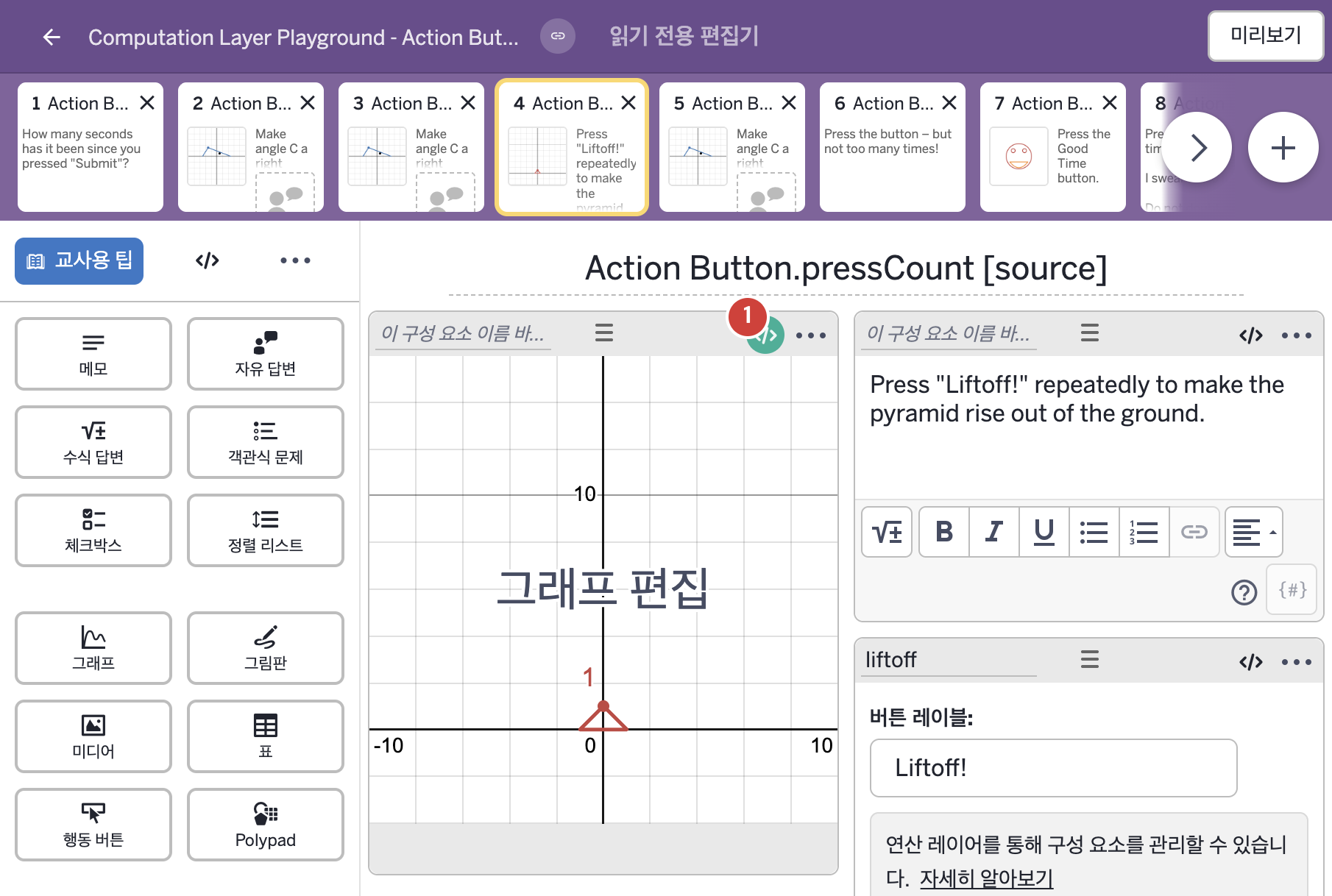
- Press "Liftoff!" repeatedly to make the pyramid rise out of the ground.
- Liftoff!
2. CL이 입력된 곳
| 번호 | 이름 | 종류 | CL 코드 원문, 번역, 설명 |
|---|---|---|---|
| 1 | 레이블 없는 그래프 | 그래프 | # This number sink looks for an action button named "liftoff" # and then sources the number of times it was pressed and # then assigns it to "a" in the graph component. ▷ 이 number sink는 "liftoff"라는 행동 버튼을 찾아 그 버튼이 눌린 횟수를 가져온 뒤 그래프 구성요소의 "a"에 정한다. number("a"): liftoff.pressCount ▶ 그래프의 변수 a는 liftoff 버튼이 눌린 횟수( |